

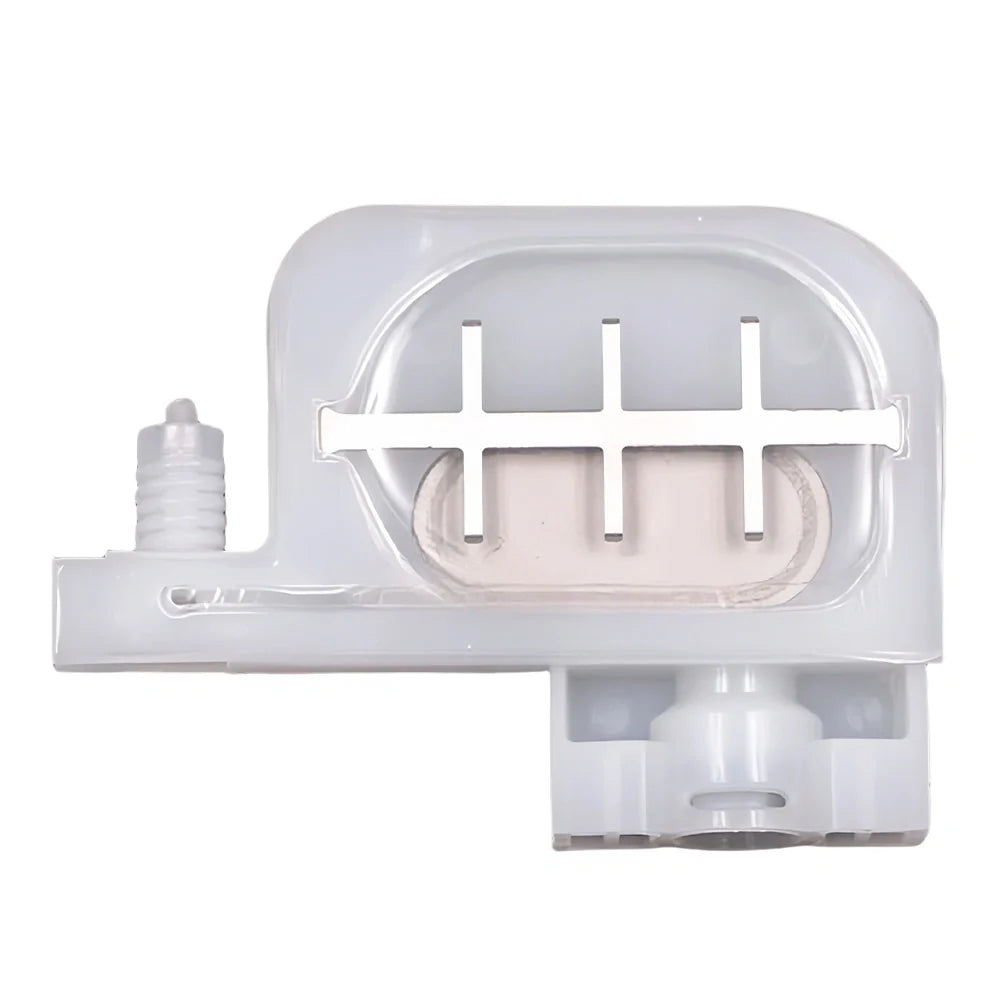
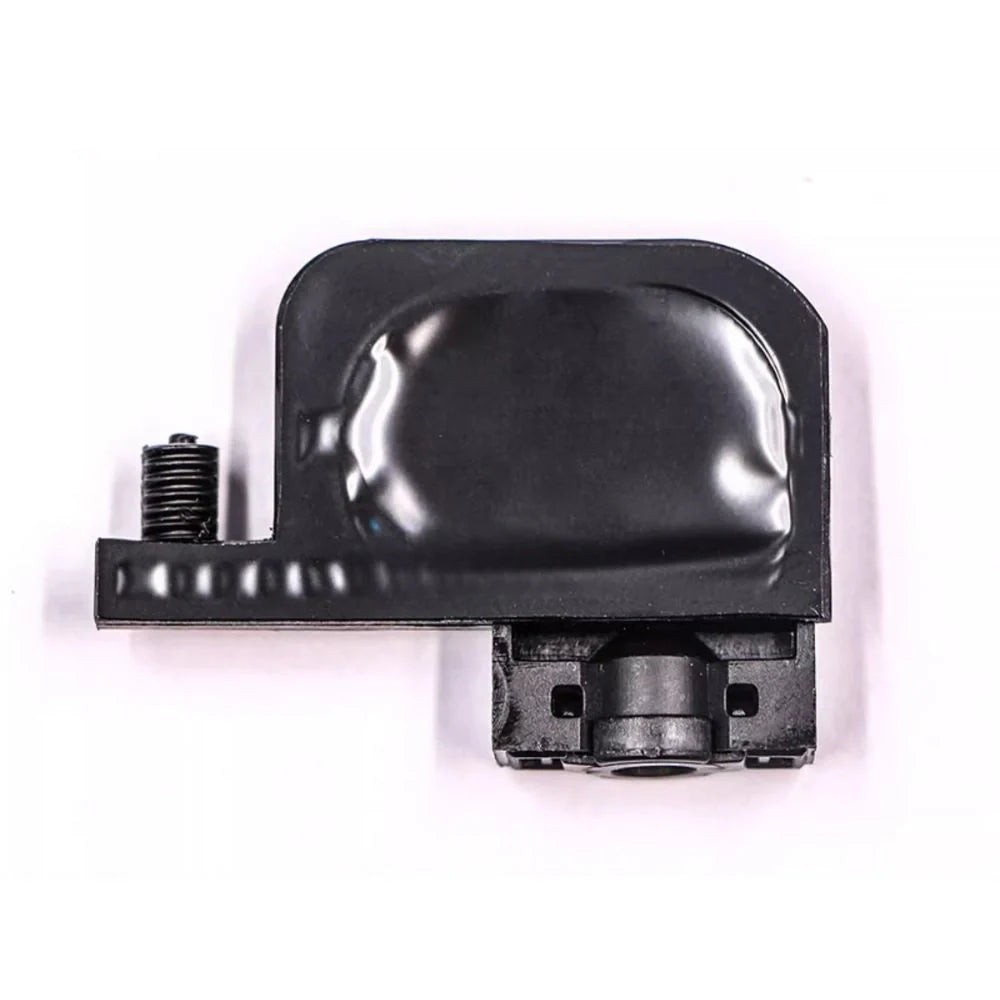
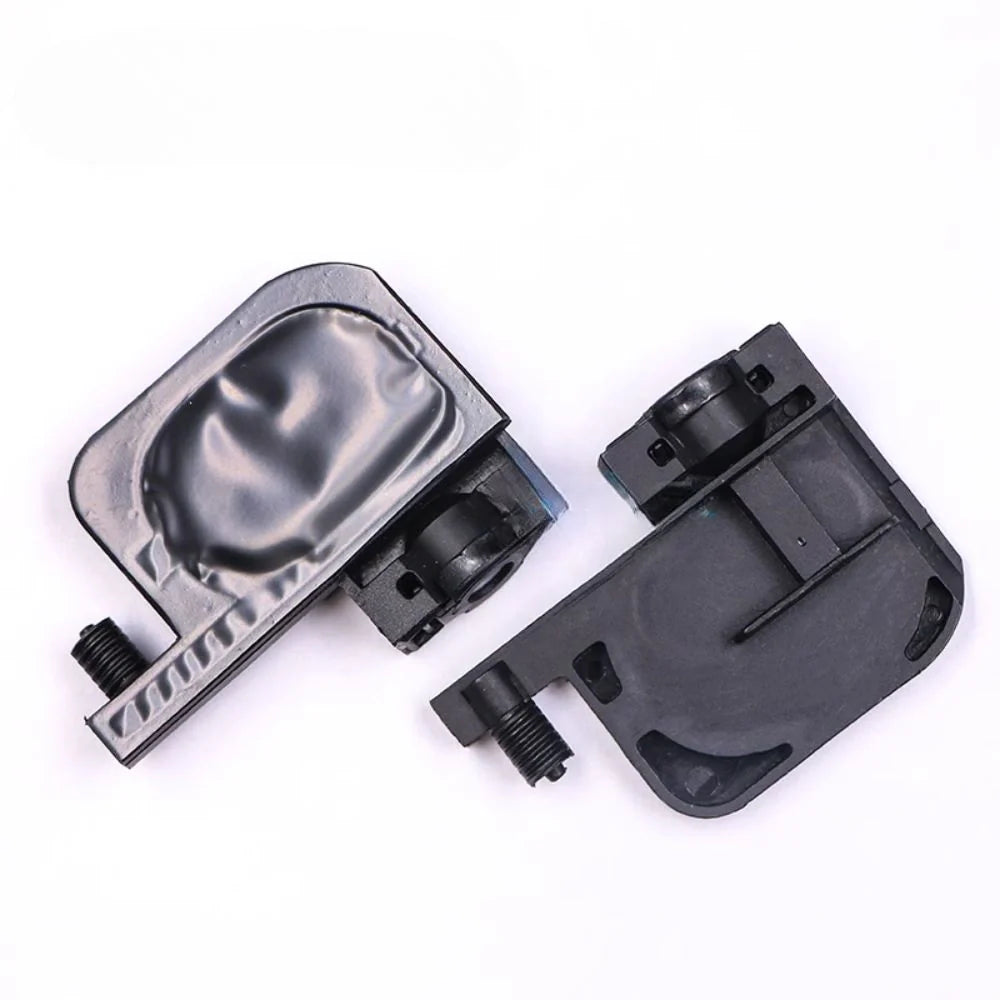
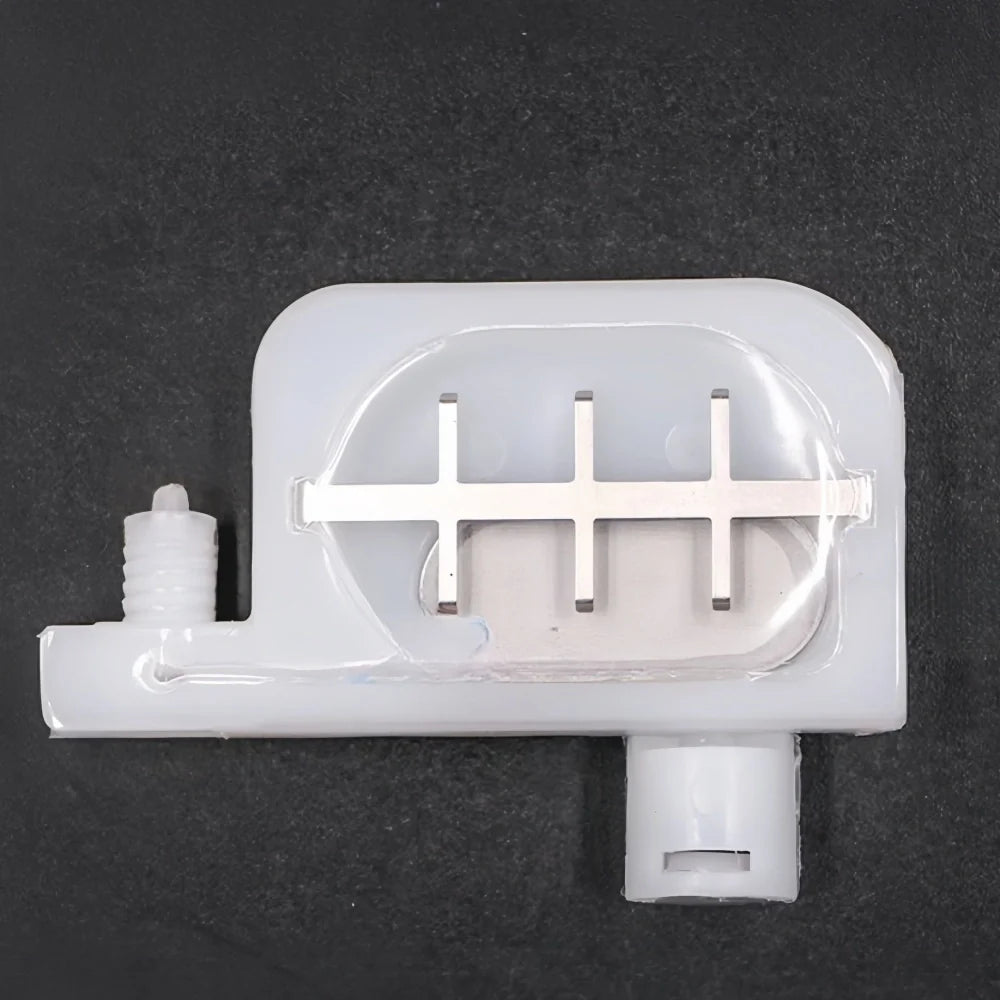
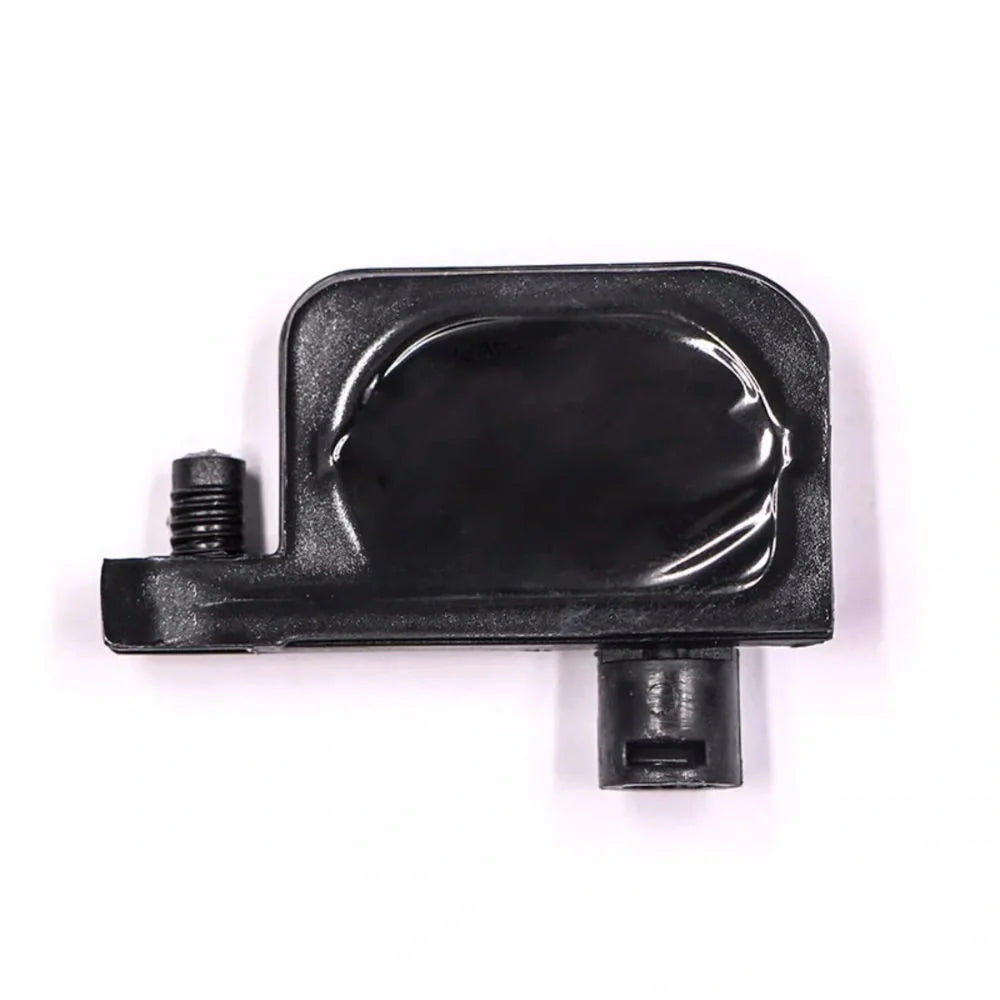
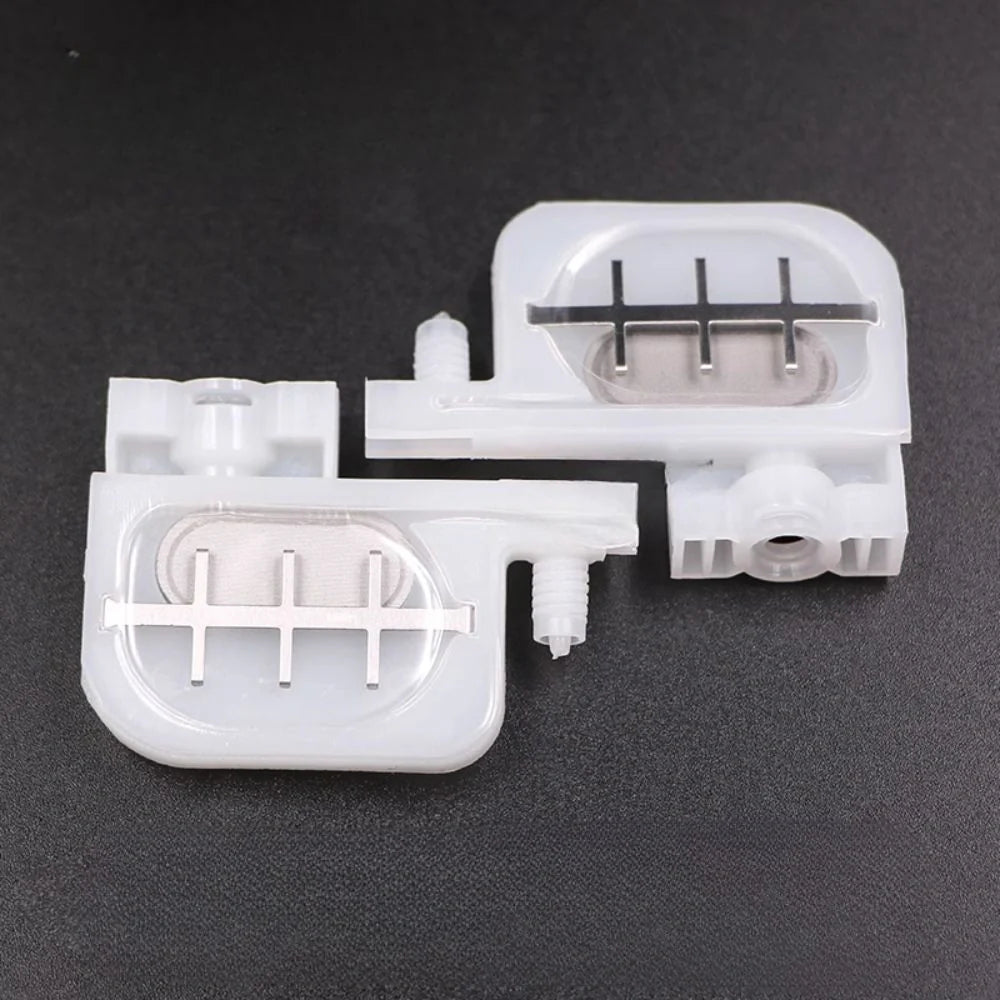
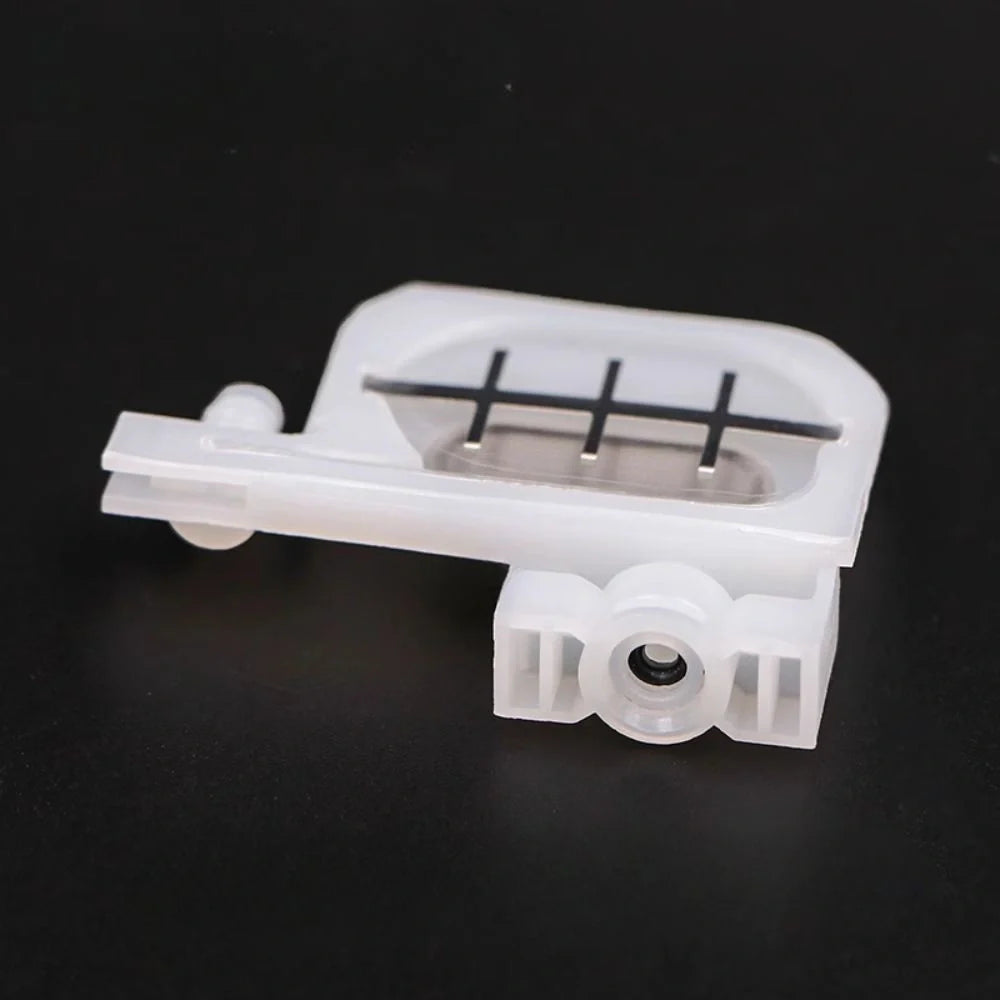
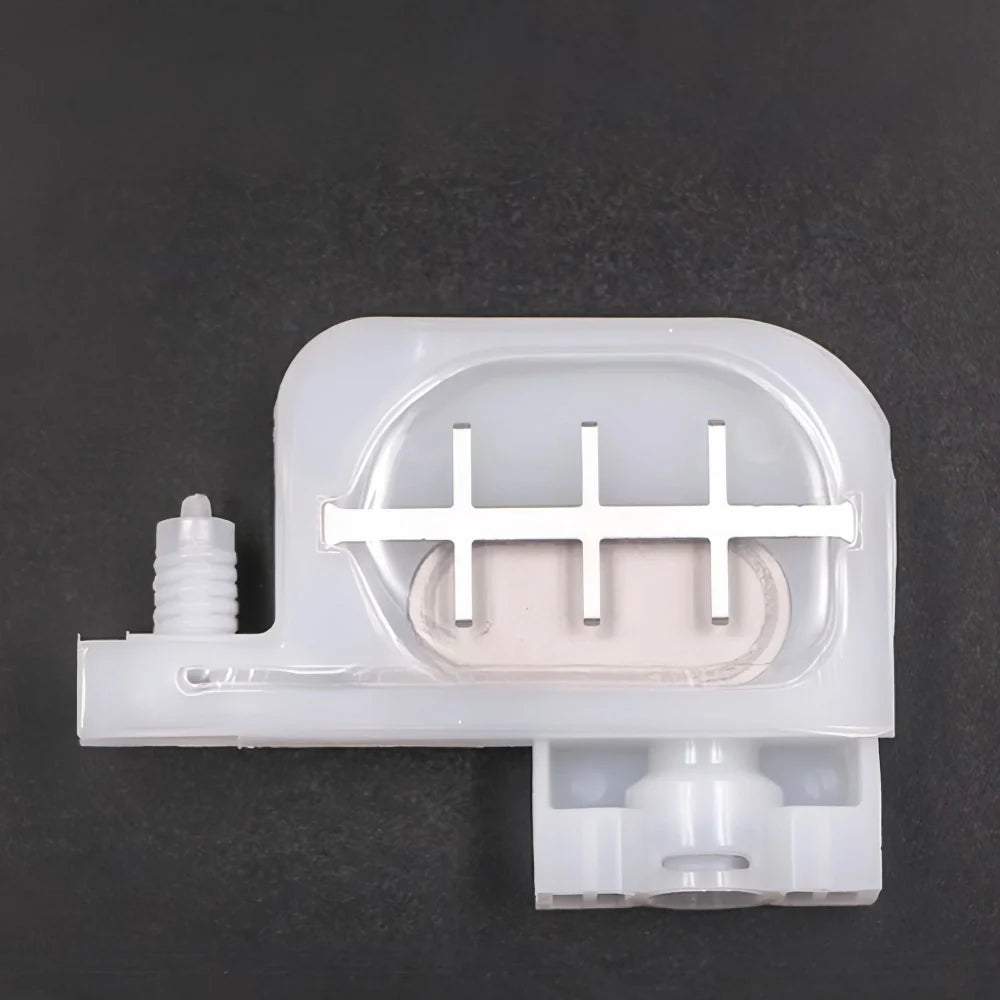
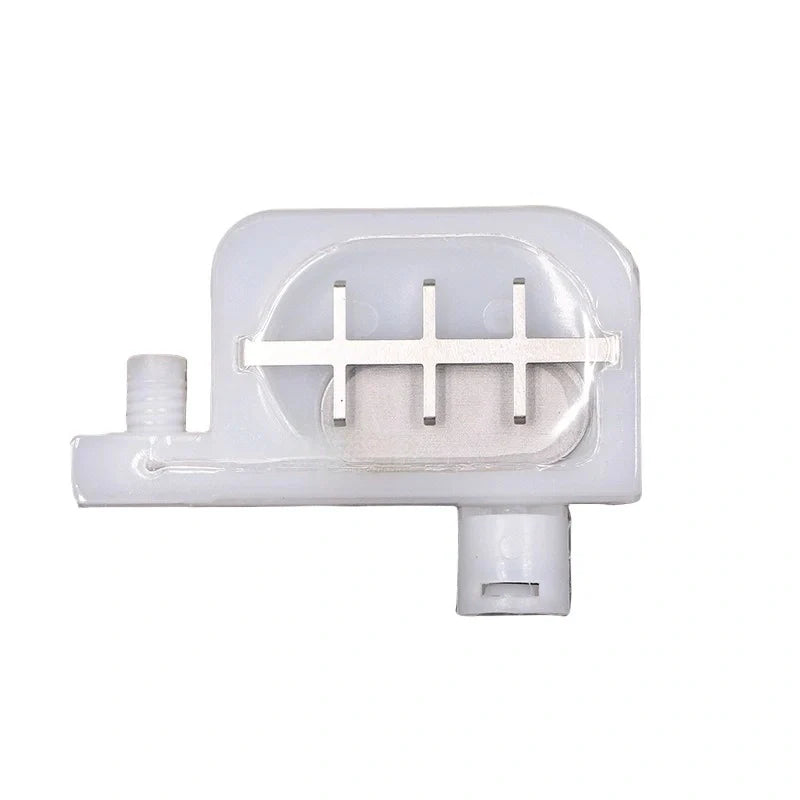
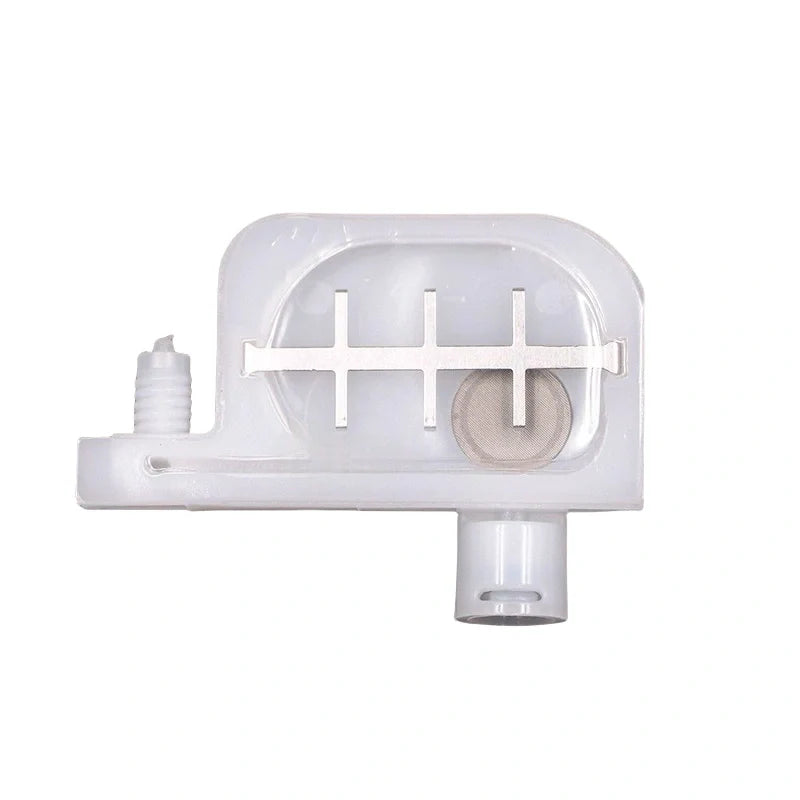


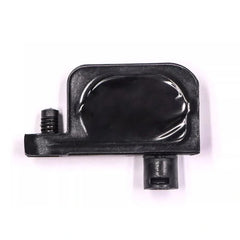
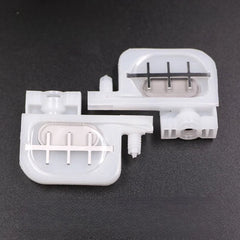
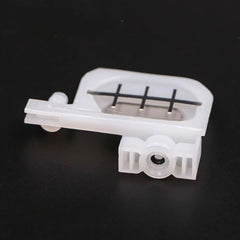
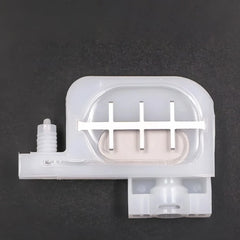
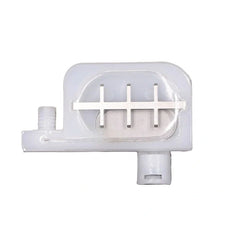
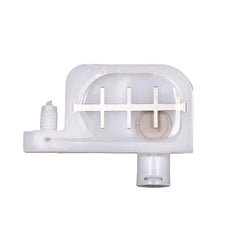
Compatible Replacement DX5 Ink Damper for Epson L1800 Printers
- $1.10
Prices are displayed in USD. Available payment methods and shipping options are shown at checkout based on destination and order details.


Secure payments
Order issue support

Product Details
xOrdering help: For model-specific products, contact us if you need compatibility or fitment help before ordering. Product price and availability are shown on this page, and shipping options and charges available for the entered destination are shown at checkout.
This DX5 ink damper is designed to keep ink delivery stable for Epson desktop printers and DX5-based conversion machines. It works as a “buffer + micro filter” between the ink line and the printhead, helping reduce nozzle drop-out, banding, and ink starvation caused by unstable back-pressure or micro bubbles.
Compatible Printers & Printhead
| Printhead | Epson DX5 (5th Gen) |
|---|---|
| Printer Models | Epson L1800 / 1390 / 1100 / 2400, and converted R1800 / R1900 flatbeds (DX5-based) |
Variant Options (Choose the Right One)
| Variant Name | Housing Color | Port Type | Filter Size | Best For |
|---|---|---|---|---|
| White – Square Port (Large Filter) | White | Square | Large | Higher flow, long print jobs |
| White – Round Port (Large Filter) | White | Round | Large | Common L-series layouts |
| White – Round Port (Small Filter) | White | Round | Small | Space-limited tubing routes |
| Black – Square Port | Black | Square | Standard | Standard replacement option |
| Black – Round Port | Black | Round | Standard | Standard replacement option |
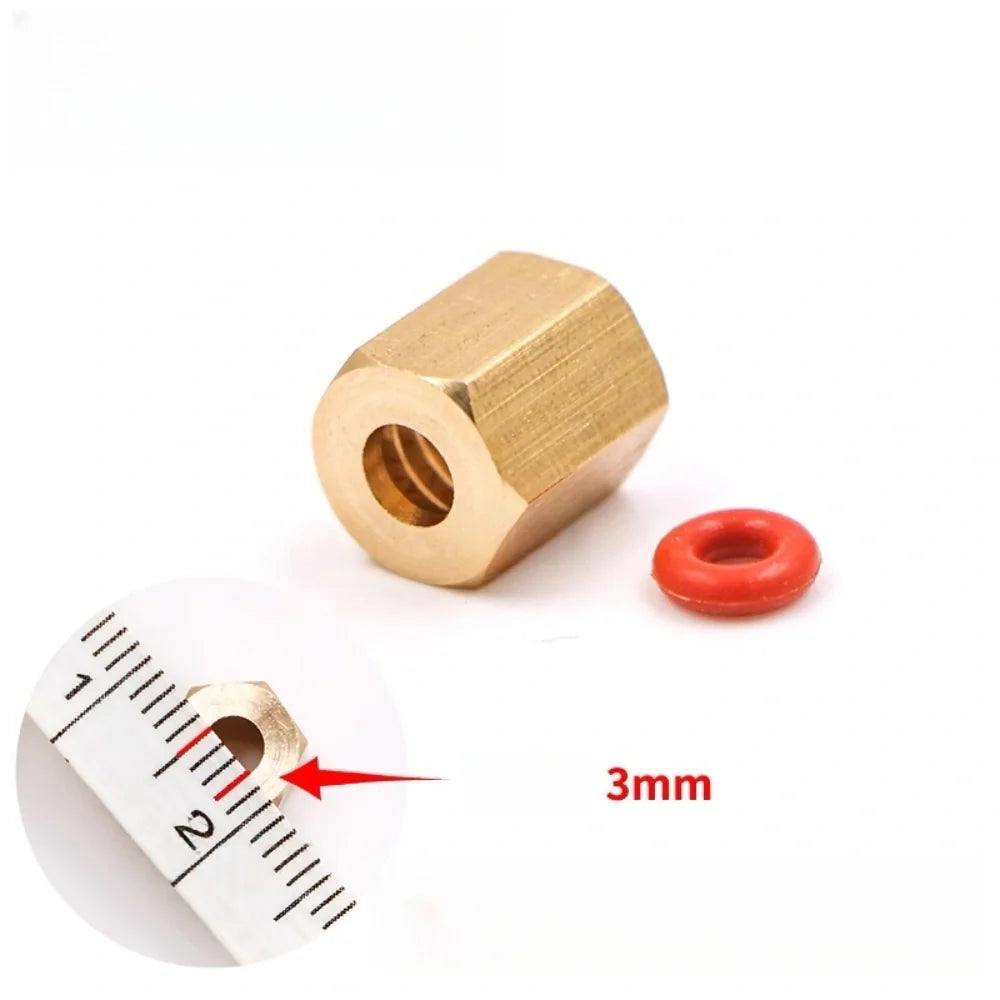
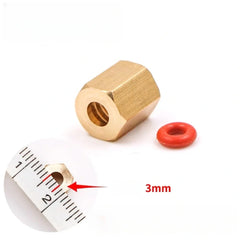
| Small Brass Nut + Rubber Ring | — | Connector Kit | — | For sealing and secure connection |
Key Benefits
- Stable ink pressure: Helps maintain consistent meniscus/back-pressure to reduce banding.
- Micro filtration: Built-in filter traps fine debris and reduces risk of clogging.
- Better nozzle reliability: Helps minimize micro-bubbles and intermittent ink supply issues.
- Fast replacement: Suitable for routine maintenance on desktop DX5 systems.
Ink Compatibility
| Supported | Eco-solvent, mild solvent, pigment, dye-sublimation inks |
|---|---|
| Not Recommended | UV-curable ink systems |
Installation (Recommended Steps)
- Power off the printer and release ink pressure (close clamps or stop ink supply).
- Remove the old damper carefully to avoid pulling the DX5 manifold or ink line.
- Confirm the port type (square/round) matches your ink line connector.
- Install the new damper firmly; ensure the seal is tight (use the brass nut + rubber ring if needed).
- Prime ink lines and run a small ink charge/cleaning cycle, then perform a nozzle check.
Maintenance & Replacement
- Replace every 3–6 months (typical) depending on ink cleanliness and usage frequency.
- If you see banding, missing nozzles, unstable colors after cleaning, consider replacing the damper first.
Tip: A fresh damper is low-cost preventive maintenance compared with printhead downtime.
Use Position & Function
- The damper is normally installed between the ink supply path and the printhead to stabilize pressure and reduce bubbles.
- It helps support smoother ink delivery and can also assist with filtering fine particles before ink reaches the printhead.
- Damper performance has a direct effect on ink stability, especially on multi-channel or high-speed printers.
fitment details
- Referenced machine models: L1800, R1800, R1900.
- Referenced printheads: DX5, L1800.
- Suitable for solvent use when the connector type, orientation, and sealing method match the reference damper.
When Buyers Replace This Part
- Replace when ink flow becomes unstable, bubbles increase, colors drop out, or the damper body becomes contaminated or deformed.
- Compare the reference part number, connection layout, and mounting direction before ordering.
- For best maintenance results, buyers often inspect cap tops, tubing, and ink filters at the same time.
Common Replacement Scenarios
- Replace when colors intermittently drop out, bubbles appear repeatedly, or the printhead side shows unstable ink feeding.
- Inspect this part when the damper body becomes stained, swollen, cracked, or no longer seals reliably.
- On printers with multiple channels, one weak damper can affect daily color consistency even if the printhead is still usable.
Fitment Checklist
- Referenced machine models: L1800, R1800, R1900.
- Referenced printheads: DX5, L1800.
- Check joint style, filter structure, connector direction, sealing method, and manufacturer reference before final purchase.
Service Pairing Suggestions
- Many buyers inspect cap tops, ink tubes, pumps, and filters at the same time when damper problems appear.
- Use this damper only when the solvent ink path, connector style, and physical size match the reference assembly.
- Professional installation is recommended when the printer uses a sealed manifold or tightly packed multi-channel head carriage.
Shipping & Return
xReturns Policy
Please confirm product model, specifications, and compatibility before ordering. Except where required by applicable law, buyer-side compatibility mistakes generally require review and may not qualify for return, refund, exchange, or compensation.
Printheads, inks, cleaning liquids, electronic boards, and opened or installed items usually require written review before return unless we shipped the wrong item or the goods arrived damaged.
If your order arrives damaged or incorrect, contact us within 3 calendar days after delivery with photos, package details, and your order number so we can review the case.
Shipping
Shipping time, stock availability, duties, and import charges may vary by product and destination. Available checkout and shipping details are shown before payment when Shopify checkout can calculate them for the destination.
For urgent shipment timing or fitment help, contact us before purchase.