


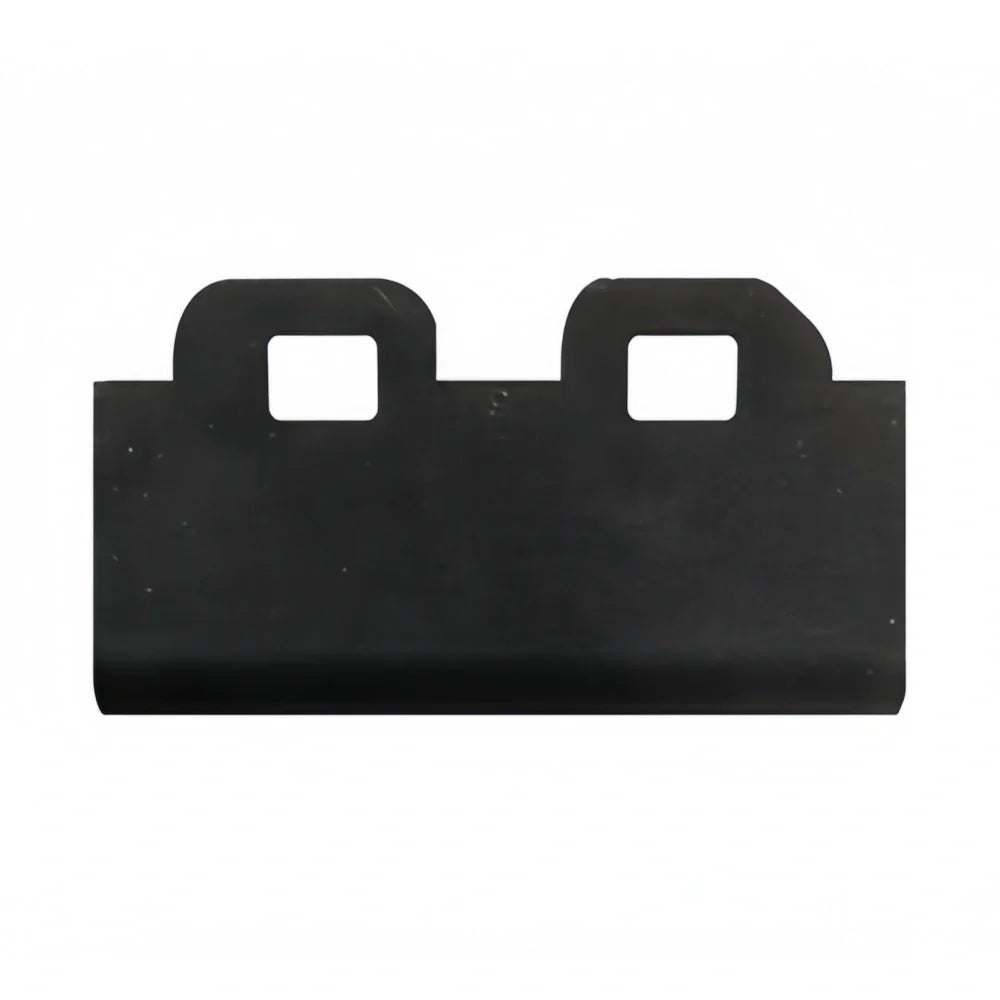
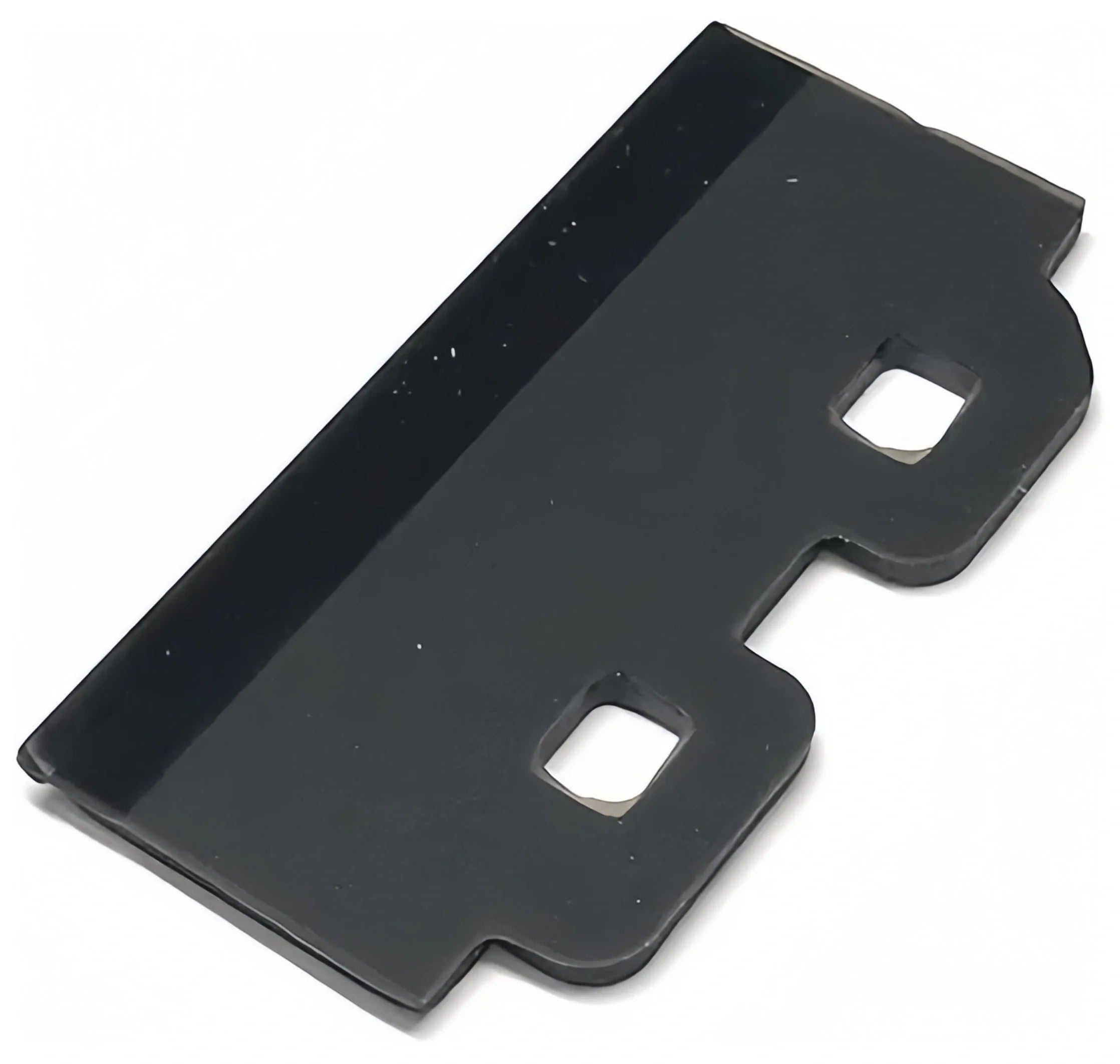
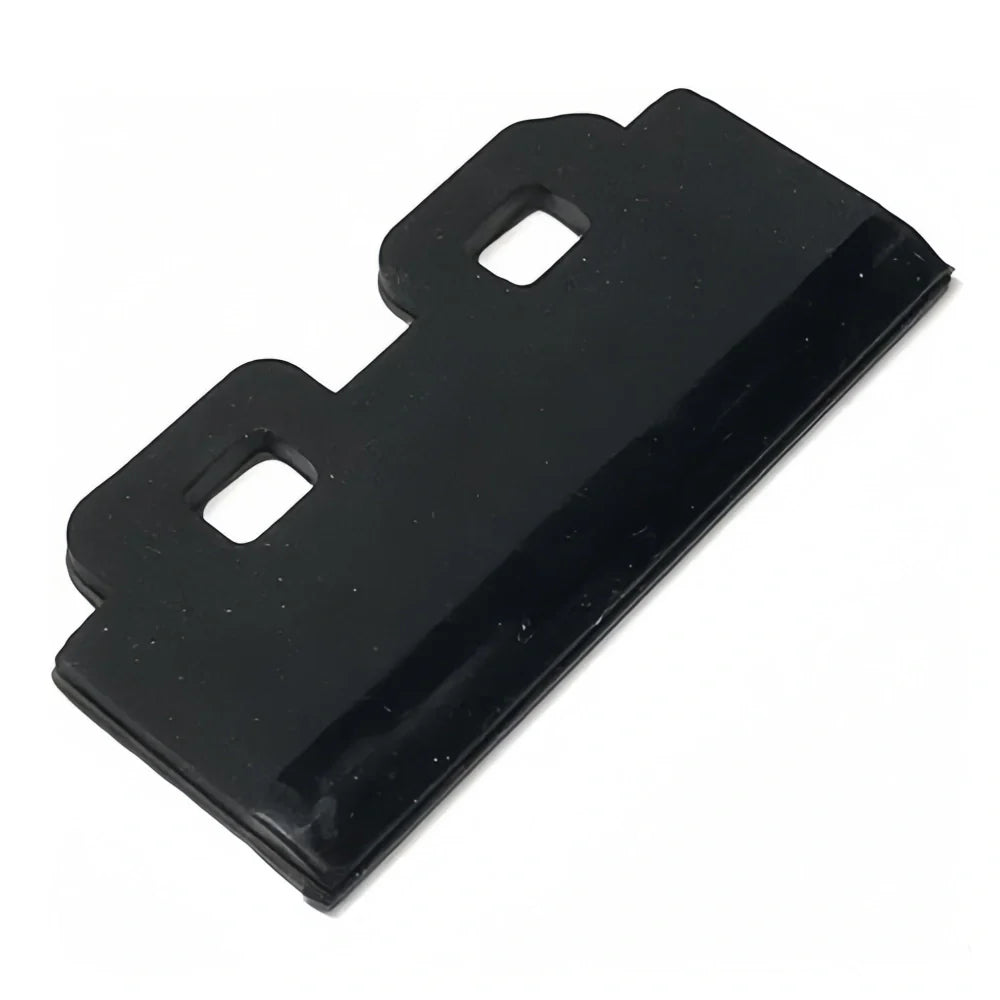


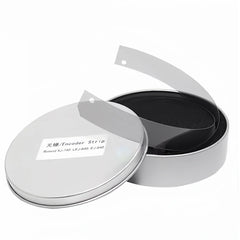
Compatible Replacement Wiper Blade Glossy for Roland EJ640 Printers
- $22.92
Prices are displayed in USD. Available payment methods and shipping options are shown at checkout based on destination and order details.


Secure payments
Order issue support

Product Details
xOrdering help: For model-specific products, contact us if you need compatibility or fitment help before ordering. Product price and availability are shown on this page, and shipping options and charges available for the entered destination are shown at checkout.
Roland Wiper Blade Glossy for EJ640
The Roland Wiper Blade Glossy is an supplier part for Roland EJ-640 printers. Manufactured to the highest standards, it ensures maximum printhead protection by effectively removing excess ink and residue. With its glossy rubber finish, it delivers superior wiping performance, making it a suitable option for consistent, high-quality output.
Printer Compatibility:
- Roland EJ-640
- Roland VS Series
- Roland XR/RA/RE Series
- Roland BN-20
Product Features:
- compatible Roland part, glossy finish
- Enhanced durability for long-term use
- Superior cleaning performance
- suitable for maintaining printhead health
Comparison Table:
| Feature | Compatible Version | Version |
|---|---|---|
| Material | High-quality solvent-resistant rubber | Manufacturer’s certified rubber |
| Durability | Good for regular use | Longer service life |
| Price | More cost-effective | Higher due to reference brand |
| Performance | Stable, suitable for daily printing | Optimal, recommended for heavy-duty use |
Function In The Maintenance Station
- The wiper removes excess ink, dust, and residue from the nozzle surface during cleaning cycles.
- A stable wiper helps reduce mist buildup and supports better daily nozzle condition.
- It is a regular maintenance item and should be replaced when the edge hardens, bends, swells, or no longer wipes cleanly.
Recommended Printing Environment
- Referenced machine models: EJ640, EJ-640, BN-20.
- Suitable for solvent printer maintenance when the blade size and holder structure match the model-reference part.
- Useful for buyers who want to reduce poor wiping, excess ink residue, or unstable cleaning results around the printhead area.
Replacement Notes
- Check blade shape, width, holder style, and model-reference part reference before purchase.
- Many buyers replace wipers together with cap tops, cap pads, or waste sponges to restore maintenance-station performance.
- If the printer shows nozzle contamination, dragging ink, or repeated cleaning issues, inspect the wiper first.
Typical Service Symptoms
- Replace the wiper when the nozzle plate stays dirty after cleaning, ink starts dragging, or residue builds up near the printhead face.
- A hardened, curled, or swollen blade can reduce wiping quality and make normal cleaning cycles less effective.
- If the printer needs frequent cleanings to recover nozzle condition, the wiper should be inspected early in the maintenance process.
Fitment Checklist
- Referenced machine models: EJ640, EJ-640, BN-20.
- Match blade profile, width, mounting style, and glossy or matte version where applicable.
- Compare the old wiper directly if the machine family uses multiple holder or maintenance-station revisions.
Maintenance Pairing Suggestions
- Buyers often replace the wiper together with cap tops, cap pads, flush sponges, or waste-ink absorbers.
- Use this maintenance part only when the blade material is suitable for your solvent printer environment.
- After installation, run a cleaning cycle and inspect whether the nozzle surface is being wiped evenly.
Shipping & Return
xReturns Policy
Please confirm product model, specifications, and compatibility before ordering. Except where required by applicable law, buyer-side compatibility mistakes generally require review and may not qualify for return, refund, exchange, or compensation.
Printheads, inks, cleaning liquids, electronic boards, and opened or installed items usually require written review before return unless we shipped the wrong item or the goods arrived damaged.
If your order arrives damaged or incorrect, contact us within 3 calendar days after delivery with photos, package details, and your order number so we can review the case.
Shipping
Shipping time, stock availability, duties, and import charges may vary by product and destination. Available checkout and shipping details are shown before payment when Shopify checkout can calculate them for the destination.
For urgent shipment timing or fitment help, contact us before purchase.