


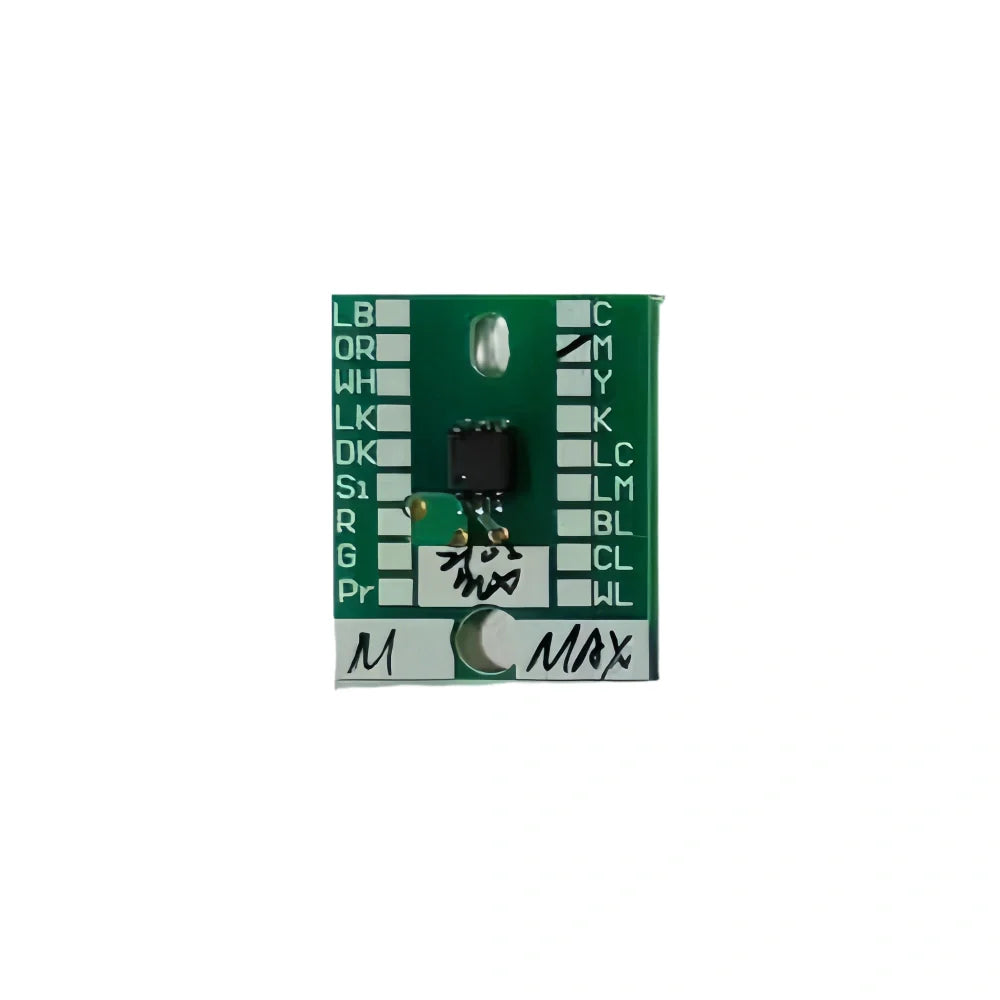
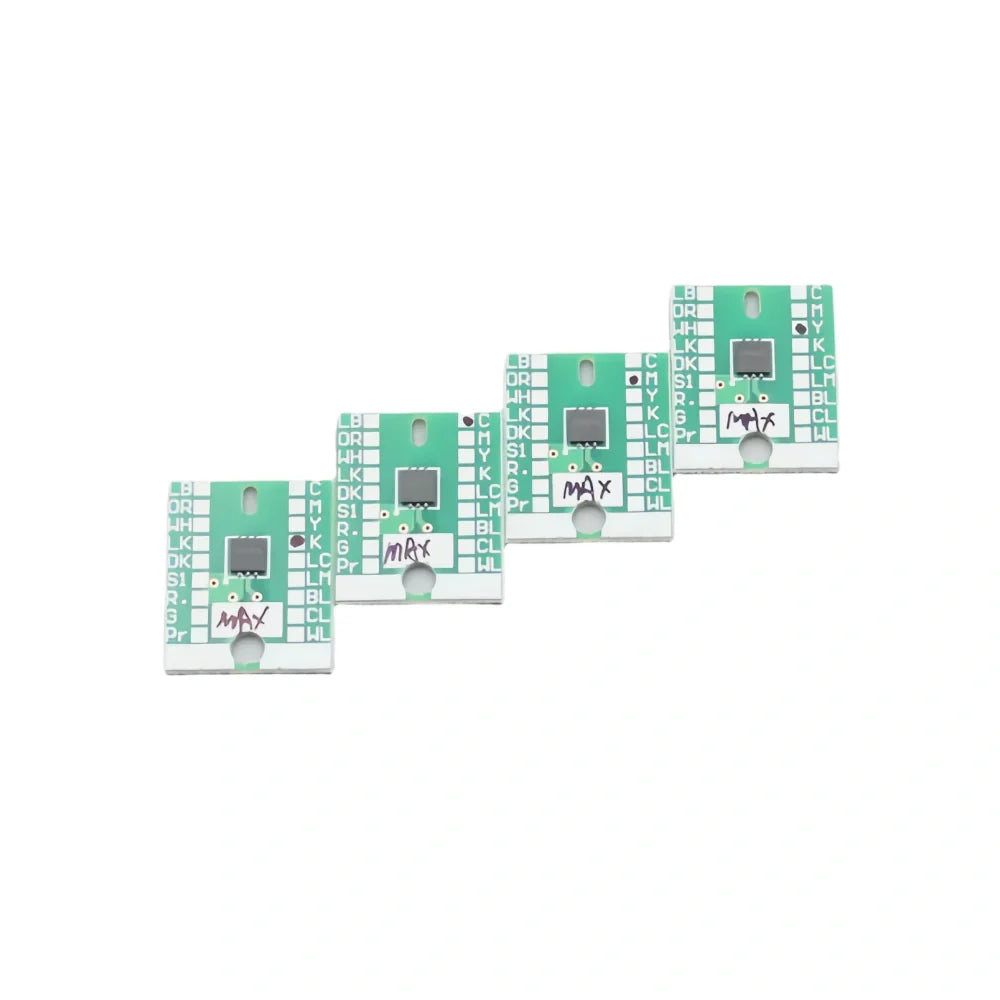
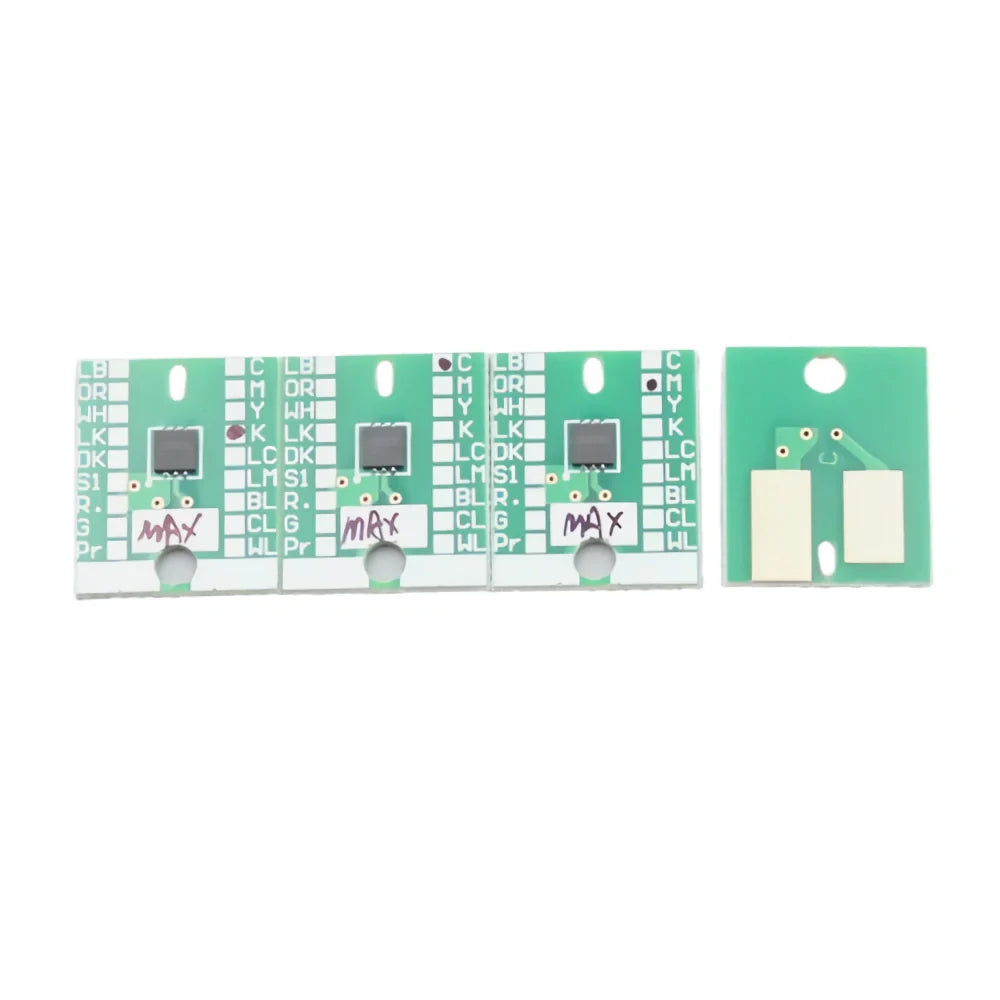
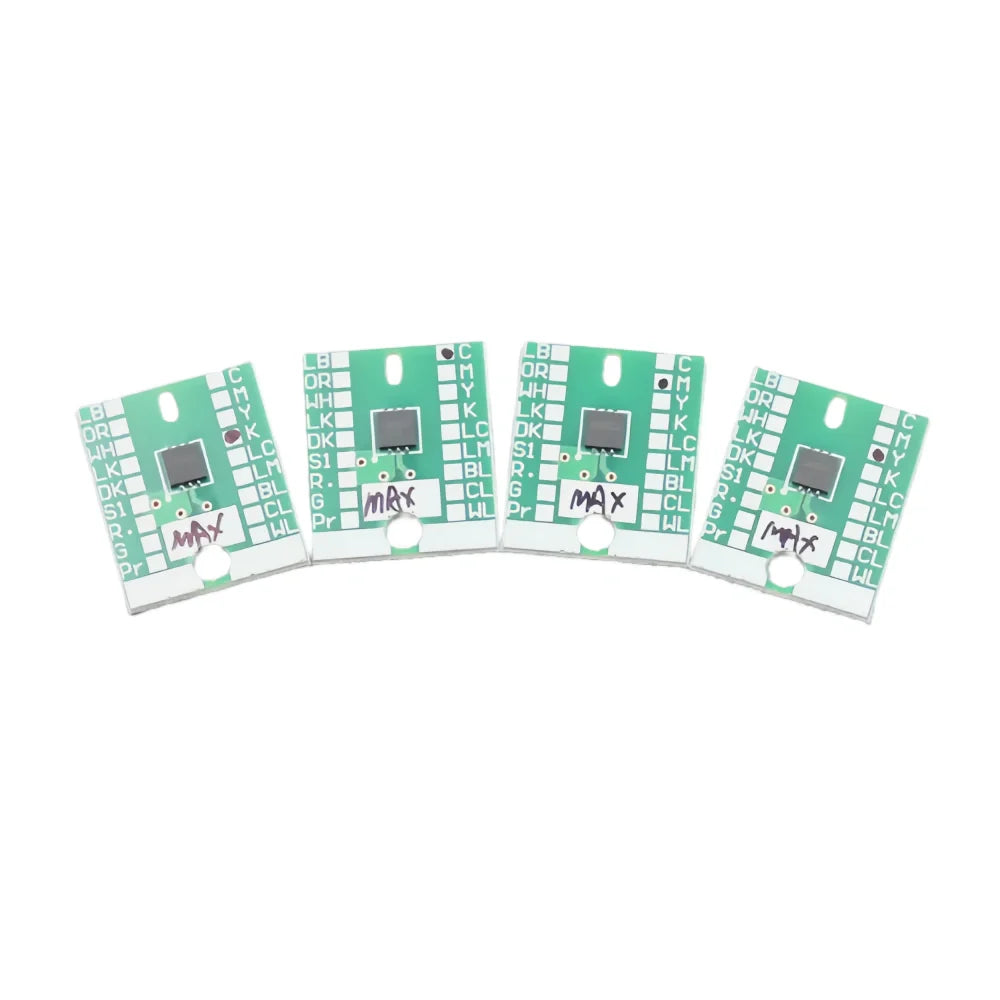
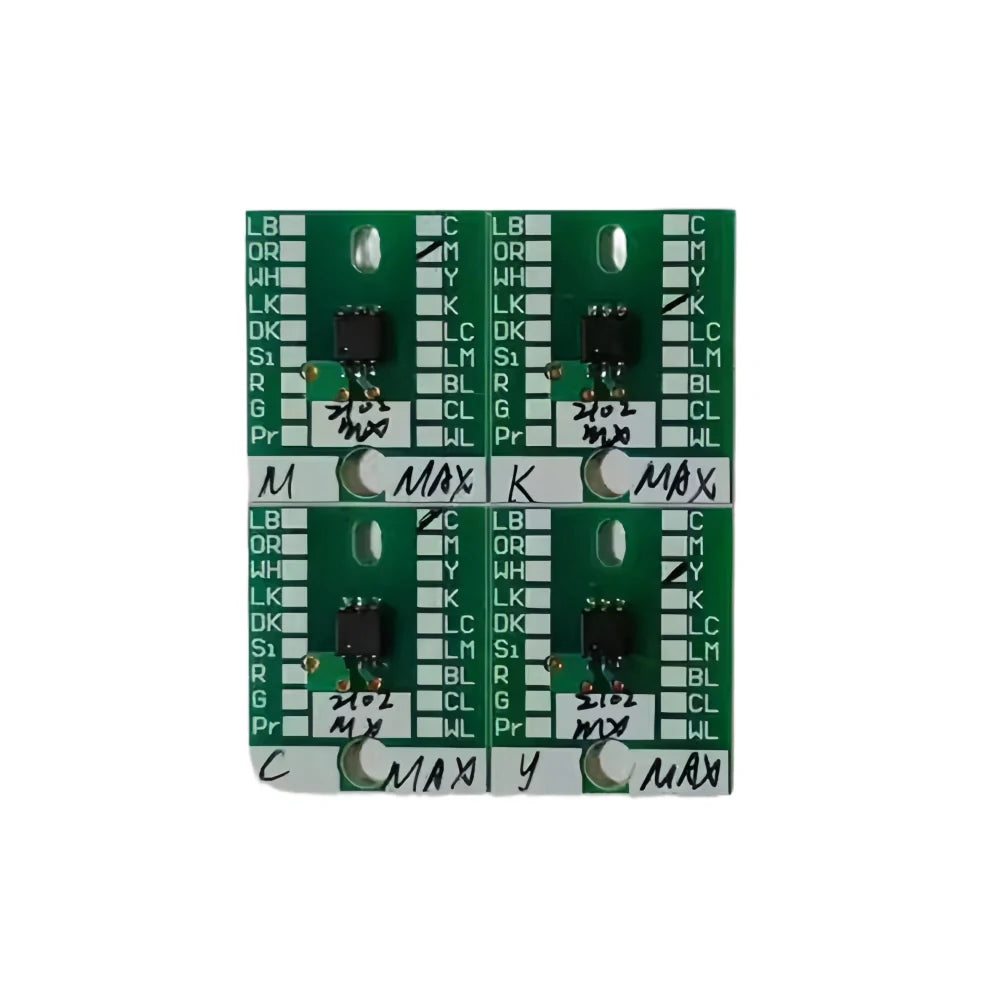
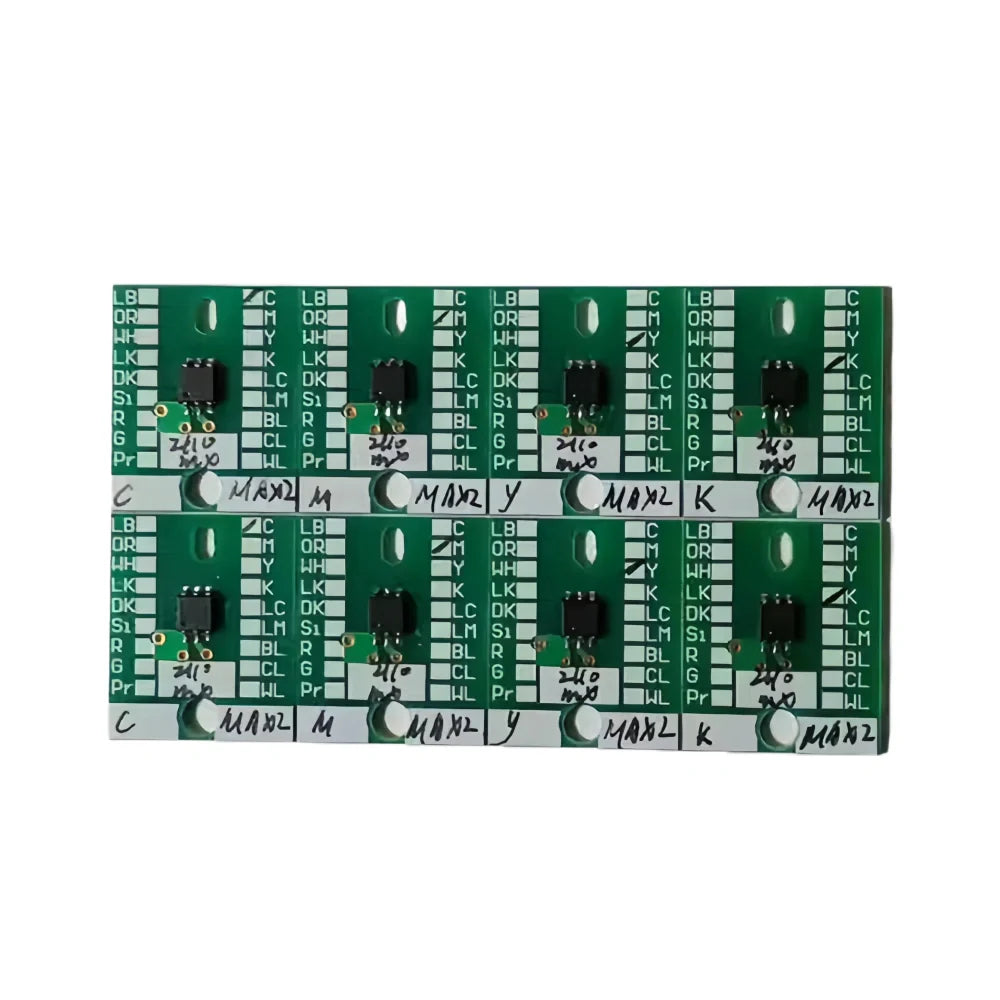
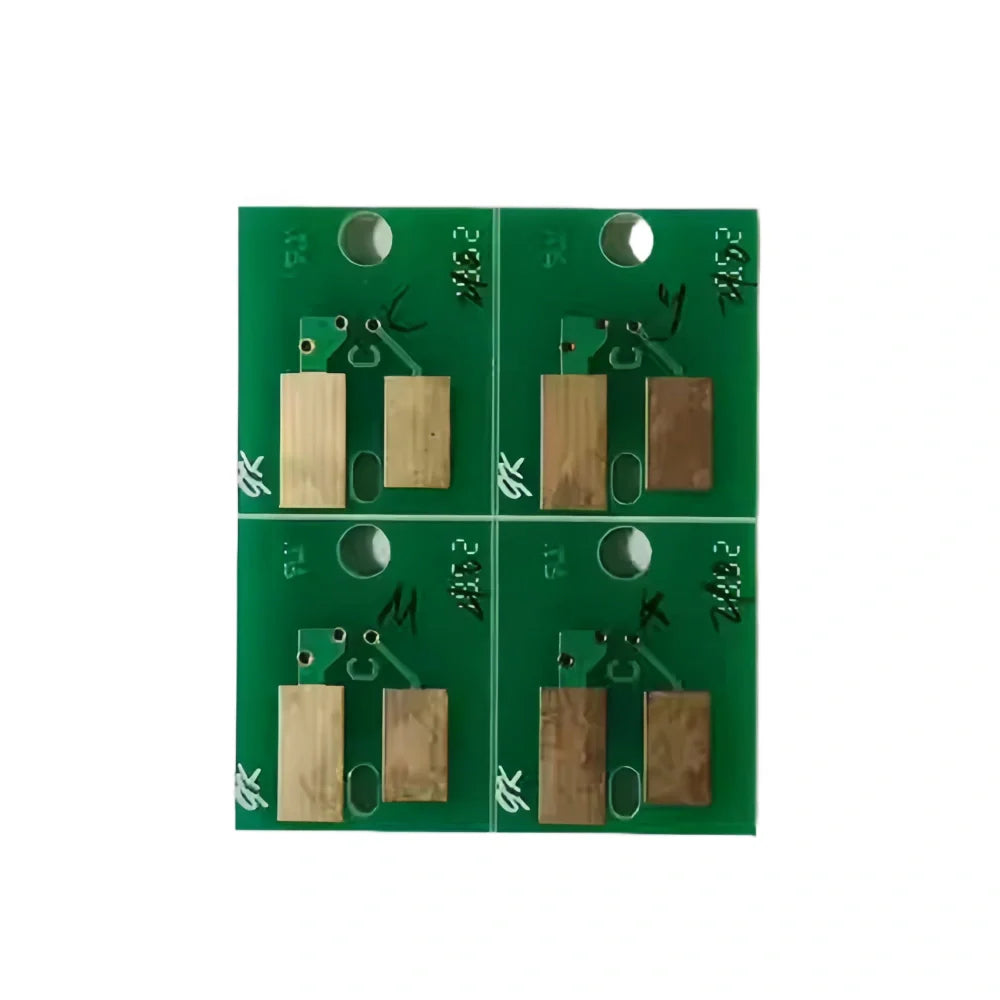


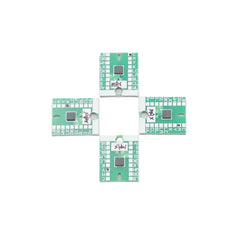
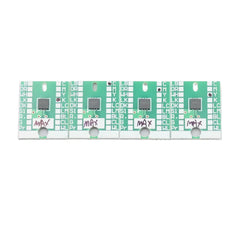
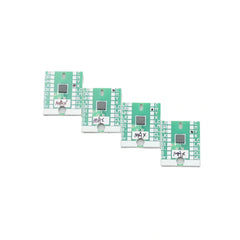
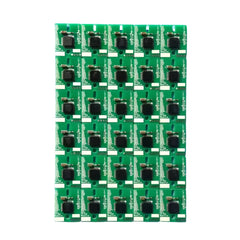
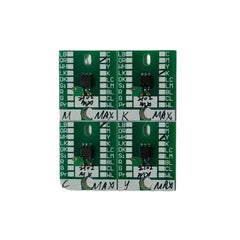
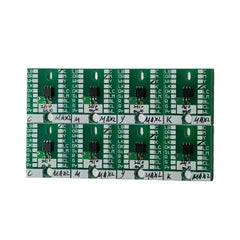
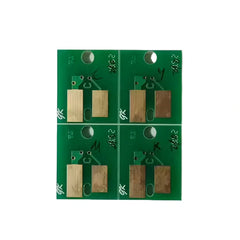
Compatible Replacement Cartridge Chip for Roland SP540 Printers
- $8.33
Prices are displayed in USD. Available payment methods and shipping options are shown at checkout based on destination and order details.


Secure payments
Order issue support

Product Details
xOrdering help: For model-specific products, contact us if you need compatibility or fitment help before ordering. Product price and availability are shown on this page, and shipping options and charges available for the entered destination are shown at checkout.
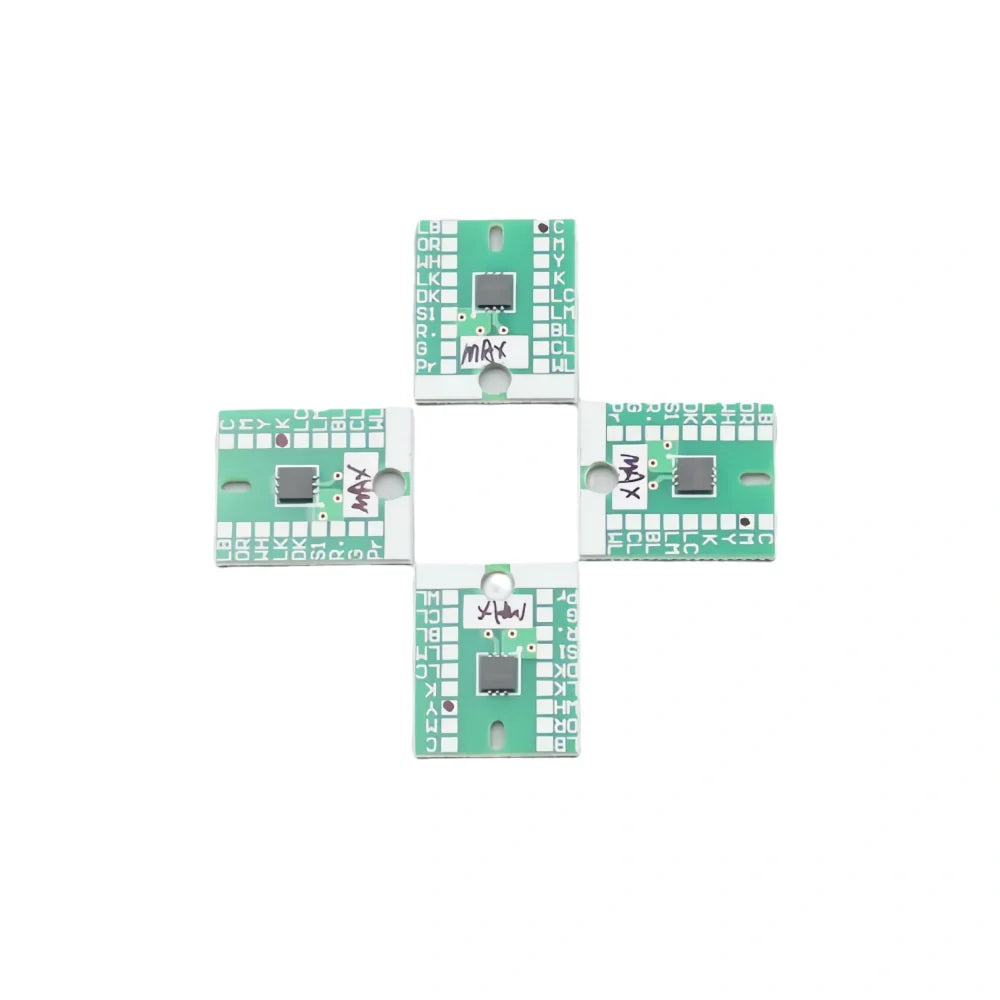
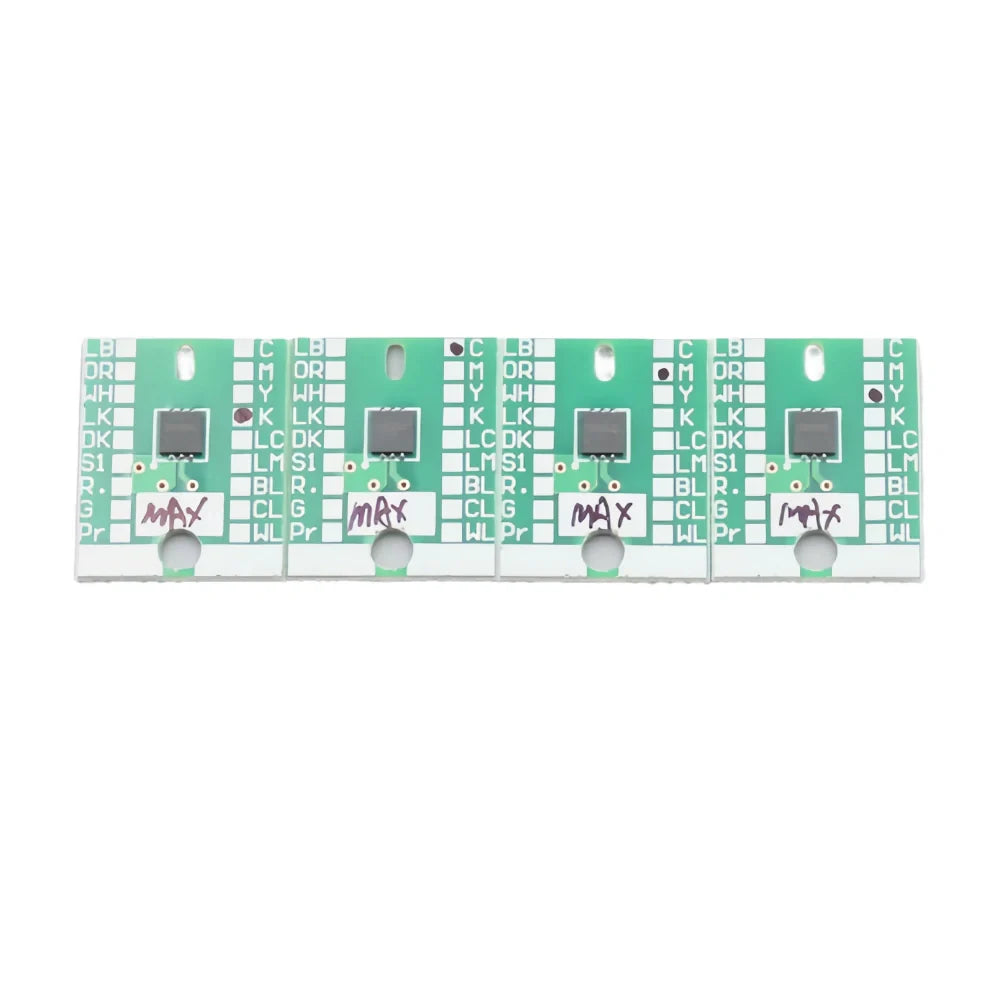
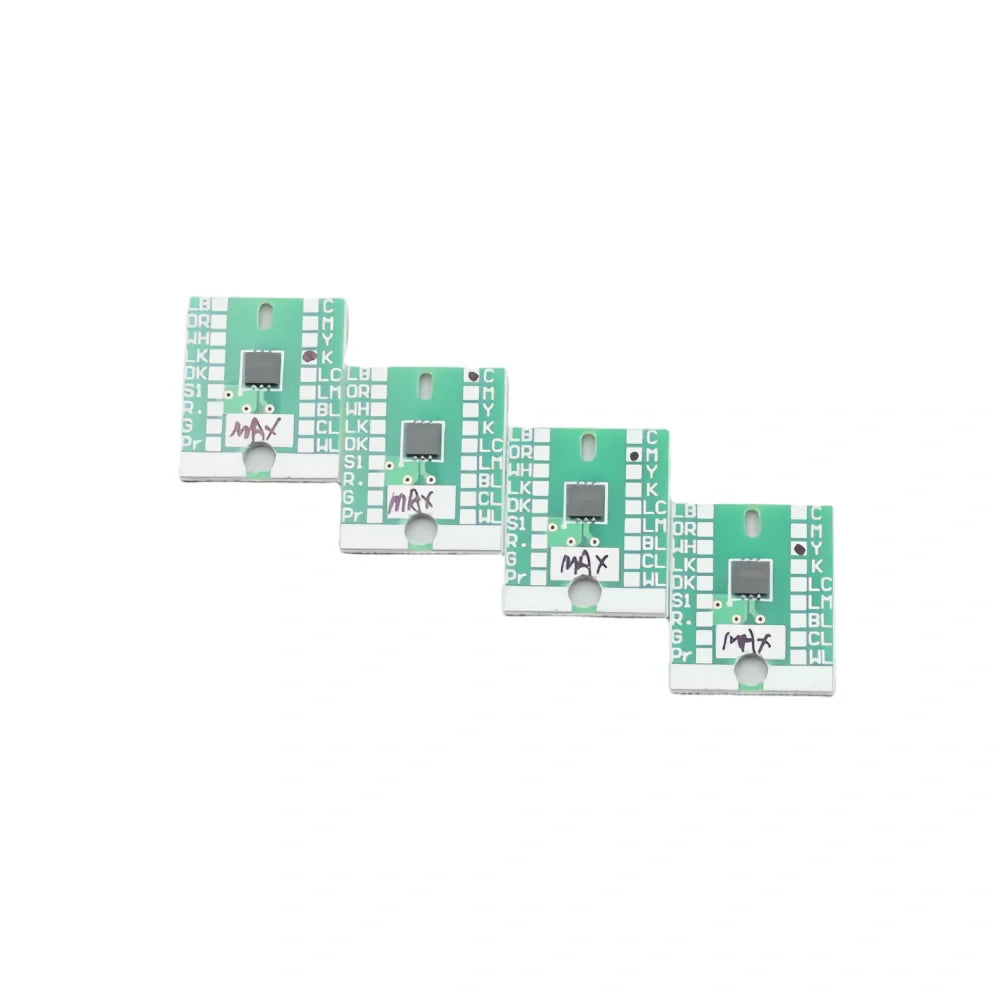
Roland Cartridge Chip MAX / MAX1 / MAX2 / MAX3 for SP540 / SP300 / SP540i / SP540V / SP300i
Replacement recognition chip for ECO-SOL MAX series inks (CMYK/Lc/Lm)
This replacement cartridge chip is designed for Roland printers using the ECO-SOL MAX ink family. It helps the printer correctly identify the installed ink cartridge and maintain normal printing workflow. Available for MAX / MAX1 / MAX2 / MAX3 generations to match your ink set and printer firmware.
Available Versions
| Chip | Ink Family | Notes |
|---|---|---|
| MAX / MAX1 | ECO-SOL MAX (Gen 1) | For early SP series using MAX inks. |
| MAX2 | ECO-SOL MAX2 | Use when printer/firmware is set for MAX2. |
| MAX3 | ECO-SOL MAX3 | Latest MAX generation compatibility. |
Tip: Match the chip version to the ink generation and printer firmware in use.
Key Features
- Compatible with ECO-SOL MAX / MAX1 / MAX2 / MAX3 ink families.
- Supports standard channels: CMYK / Light Cyan (Lc) / Light Magenta (Lm).
- Stable cartridge recognition to keep jobs running smoothly.
- Ready to install; no soldering required.
- Available as single pieces or sets to replace multiple colors.
Compatible Printer Models
Roland SP-540 / SP-540i / SP-540V, SP-300 / SP-300i
What’s in the Box
- Cartridge chip(s) — select MAX / MAX1 / MAX2 / MAX3 and color as needed.
Installation is quick and straightforward. For the best results, power off the printer before replacement and handle the chip with clean, dry hands.
Shipping & Return
xReturns Policy
Please confirm product model, specifications, and compatibility before ordering. Except where required by applicable law, buyer-side compatibility mistakes generally require review and may not qualify for return, refund, exchange, or compensation.
Printheads, inks, cleaning liquids, electronic boards, and opened or installed items usually require written review before return unless we shipped the wrong item or the goods arrived damaged.
If your order arrives damaged or incorrect, contact us within 3 calendar days after delivery with photos, package details, and your order number so we can review the case.
Shipping
Shipping time, stock availability, duties, and import charges may vary by product and destination. Available checkout and shipping details are shown before payment when Shopify checkout can calculate them for the destination.
For urgent shipment timing or fitment help, contact us before purchase.