



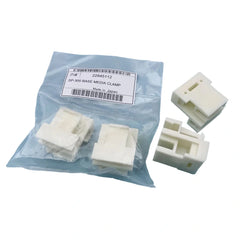
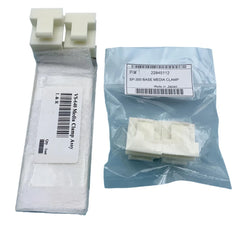
Compatible Replacement Paper Pinch Plate Clamp for Roland SP540 Printers
- $37.50
Prices are displayed in USD. Available payment methods and shipping options are shown at checkout based on destination and order details.


Secure payments
Order issue support

Product Details
xOrdering help: For model-specific products, contact us if you need compatibility or fitment help before ordering. Product price and availability are shown on this page, and shipping options and charges available for the entered destination are shown at checkout.
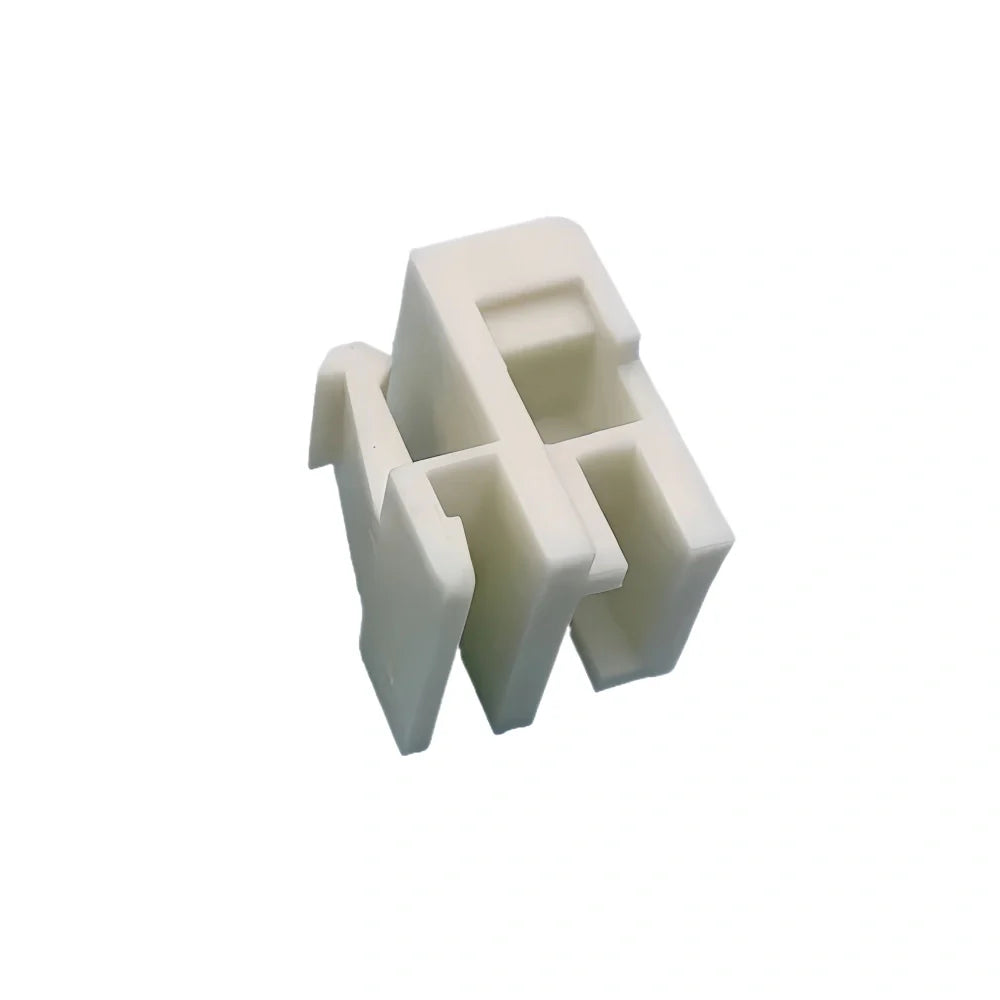
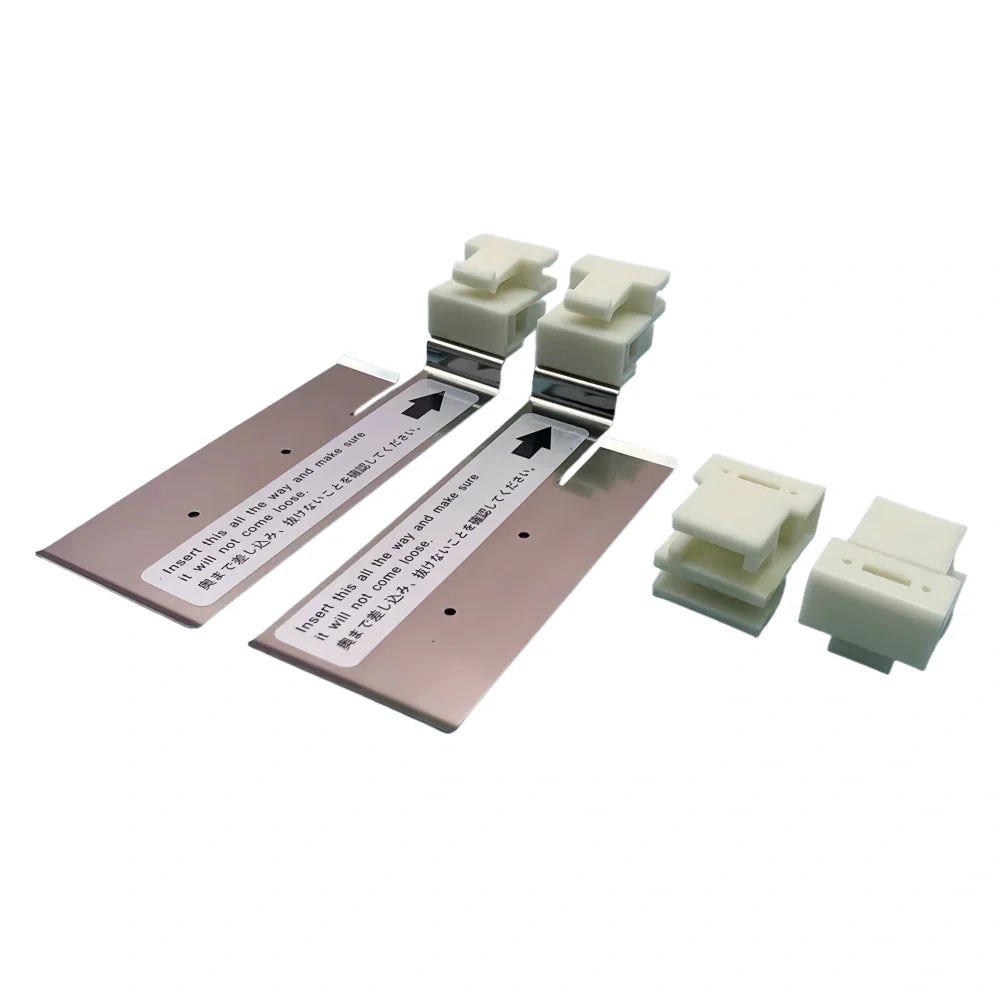
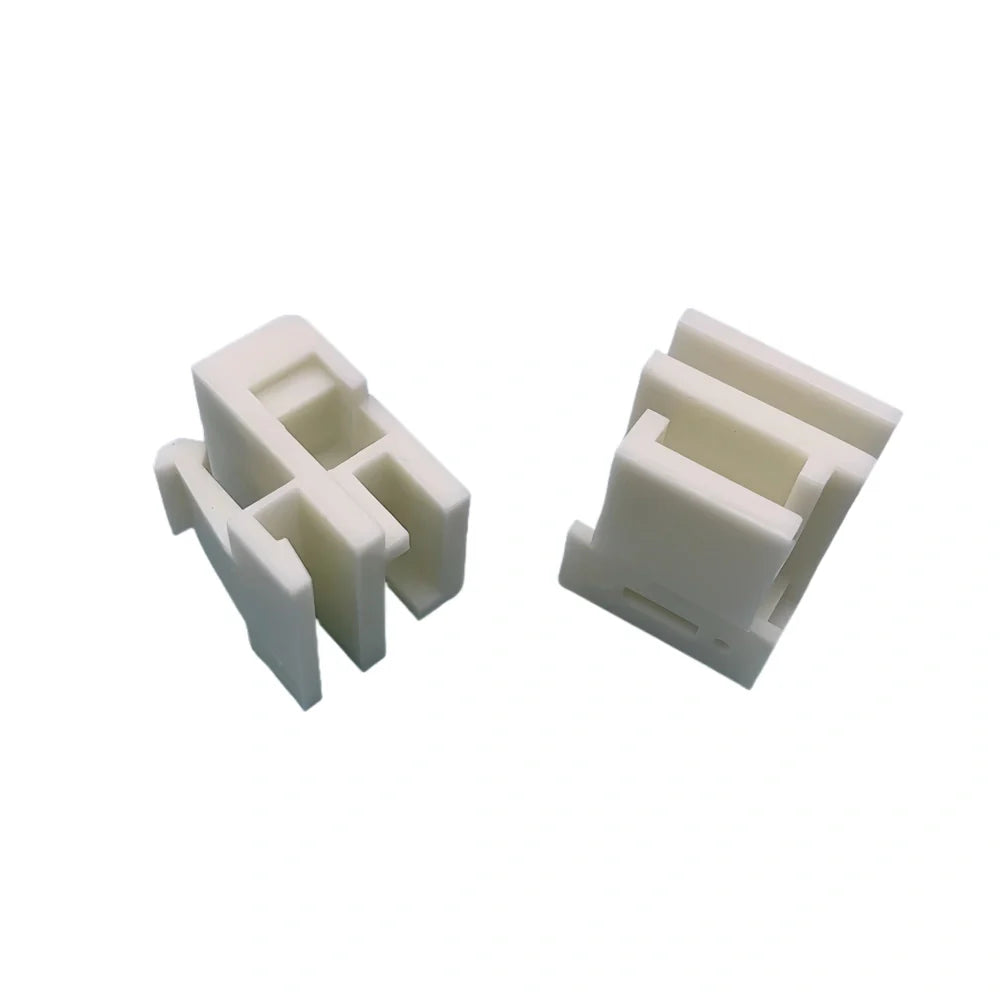
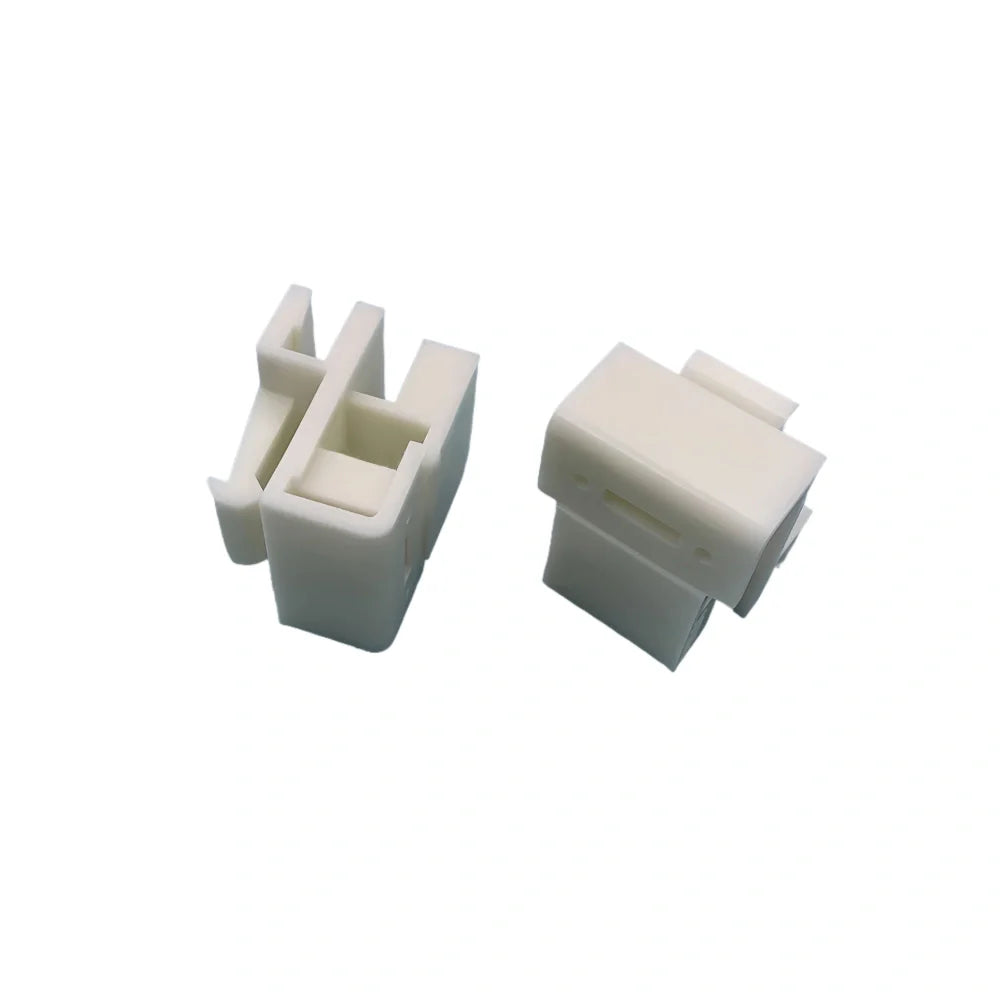
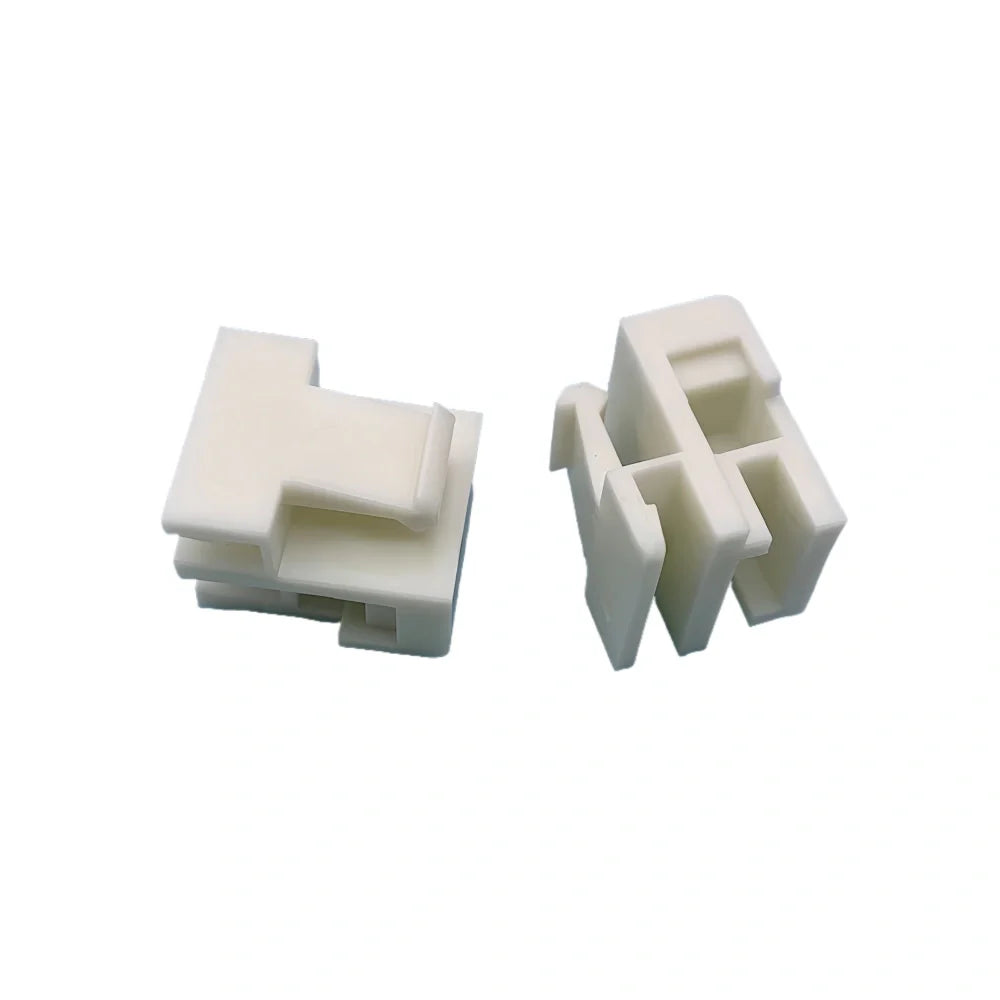
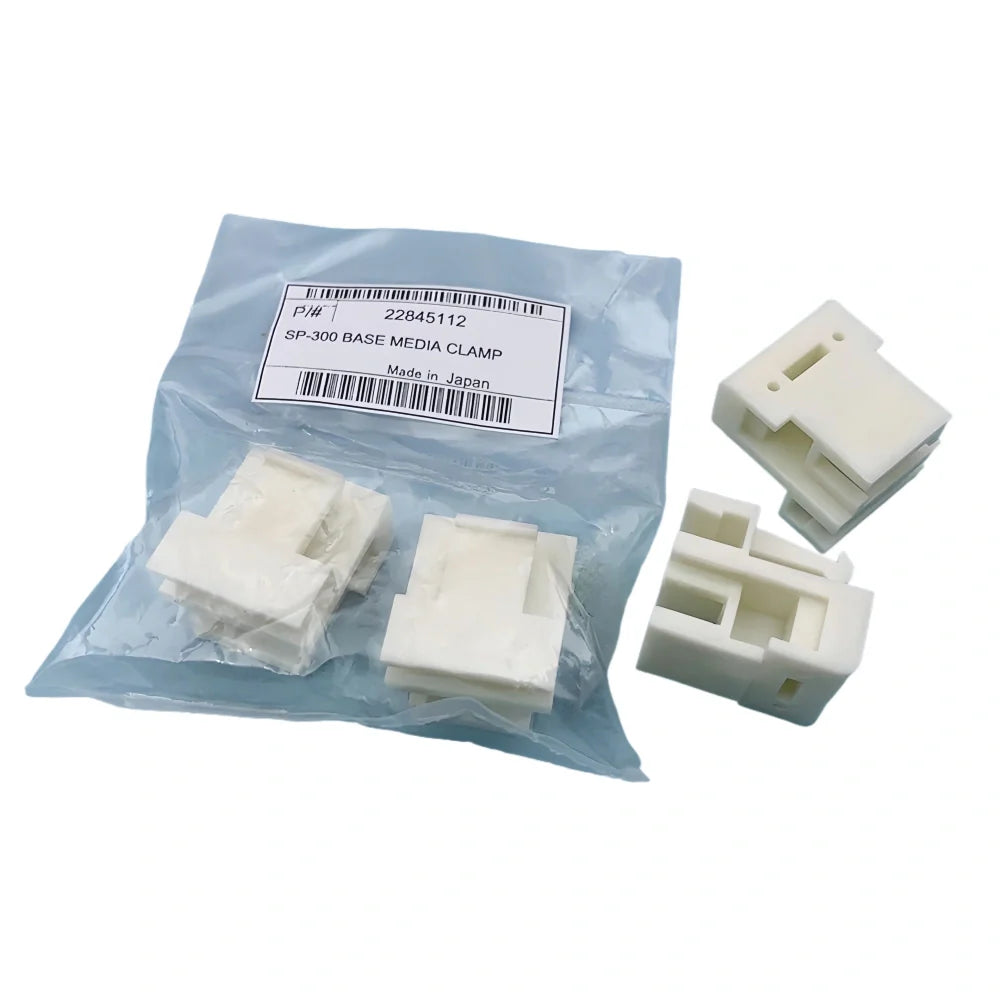
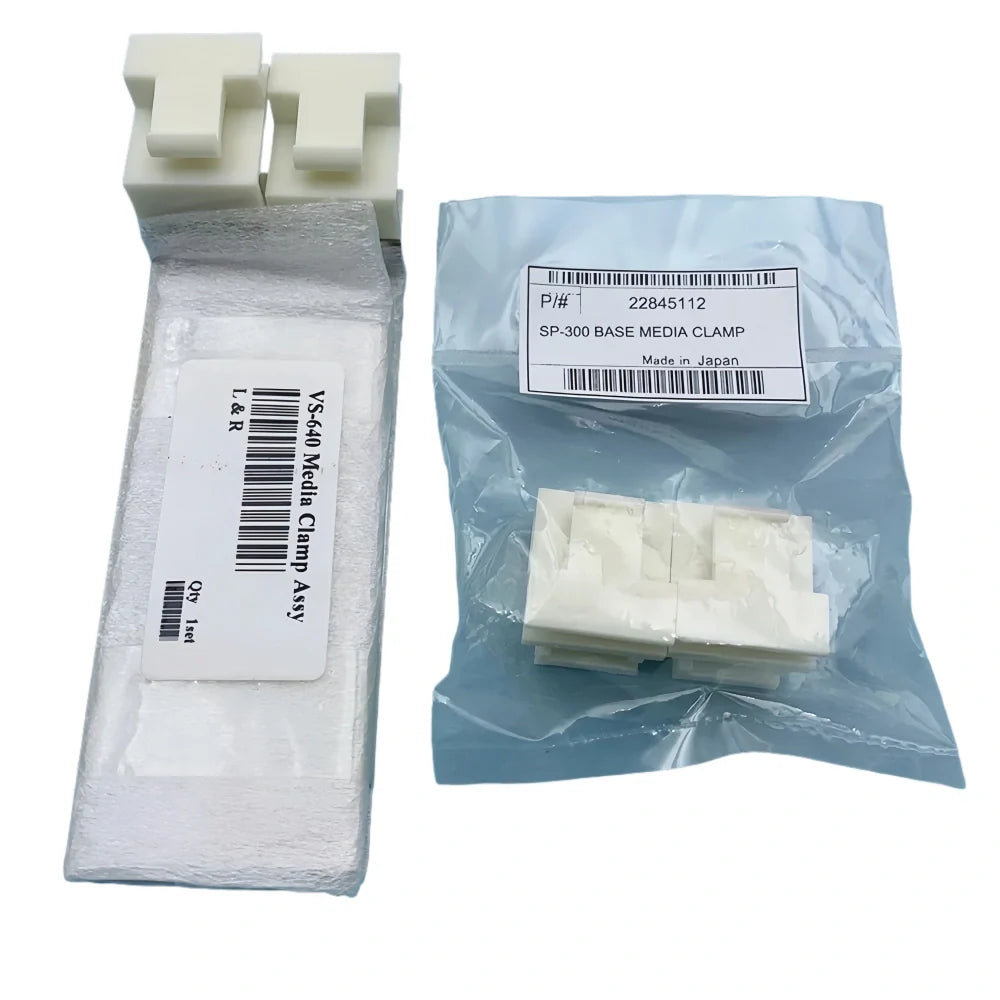
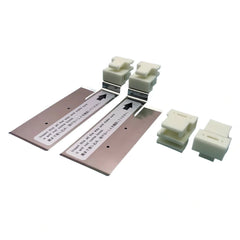
Roland Paper Pinch Plate Clamp for SP-540 / SP-300 / SP-540i / SP-540V / SP-300i
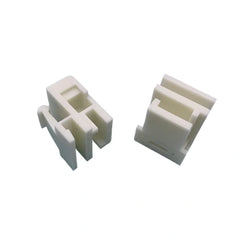
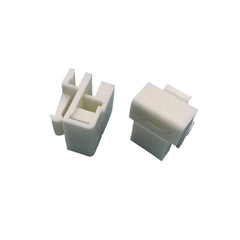
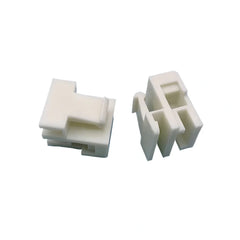
High-precision media clamp for the left side of the carriage area on Roland SP-series printers. It helps hold the media edge firmly during printing to prevent skewing, head strikes, or banding. Built from stainless plate with a smooth, wear-resistant white foot to protect media surfaces.
Key Features
- Stable holding force: Keeps media flat at the left guide to reduce wrinkles and misfeeds.
- Durable construction: Stainless plate body with low-friction pad for long life.
- Clean edges: Rounded contact area prevents scratching coated or glossy stocks.
- Direct replacement: Drops in where the reference clamp sits; no modification required.
Compatibility
- Roland SP-540 / SP-540i / SP-540V
- Roland SP-300 / SP-300i / SP-300V
- Roland VP-300 / VP-540 (left clamp position is the same layout)
- Also used on select LEC/LEJ/LEF models that share the SP-style left clamp bracket
What’s in the Box
- 1 × Paper Pinch Plate Clamp (Left side)
- Pre-installed pad (white) — ready to use
Installation Notes
- Power off the printer and move the carriage to the service position.
- Remove the worn clamp and clean the seat with isopropyl alcohol.
- Place the new clamp into the slot; make sure it sits flush and pivots freely.
- Cycle the pinch rollers and run a short feed test to confirm tracking.
Care Tips
- Keep the white pad clean; wipe dust/ink with a lint-free cloth and mild IPA.
- Replace when the pad hardens, cracks, or no longer holds media firmly.
Specs
| Position | Left media clamp (near carriage) |
| Material | Stainless plate + low-friction polymer pad |
| Finish | Satin/smooth edge; media-safe contact |
| Fitment | Direct fit for Roland SP/VP family listed above |
Note: This listing is for the left clamp. If you also need the right clamp, order it separately to match your printer’s set.
Compatibility Check
- Referenced machine models: SP540, SP-540, SP-300, SP-540I, SP-540V, SP-300I, SP-300V, VP-300, VP-540.
- Compare the connector layout, mounting position, and dimensions with the model-reference part.
- Part number reference found in current product data: SP540.
Buying Notes
- This part should be selected by machine revision, connection style, and physical fit, not by title similarity alone.
- If your printer has multiple board, cable, or motor revisions, compare the old part directly before ordering.
- For critical electronics or motion parts, professional installation is recommended after fitment is confirmed.
Shipping & Return
xReturns Policy
Please confirm product model, specifications, and compatibility before ordering. Except where required by applicable law, buyer-side compatibility mistakes generally require review and may not qualify for return, refund, exchange, or compensation.
Printheads, inks, cleaning liquids, electronic boards, and opened or installed items usually require written review before return unless we shipped the wrong item or the goods arrived damaged.
If your order arrives damaged or incorrect, contact us within 3 calendar days after delivery with photos, package details, and your order number so we can review the case.
Shipping
Shipping time, stock availability, duties, and import charges may vary by product and destination. Available checkout and shipping details are shown before payment when Shopify checkout can calculate them for the destination.
For urgent shipment timing or fitment help, contact us before purchase.