


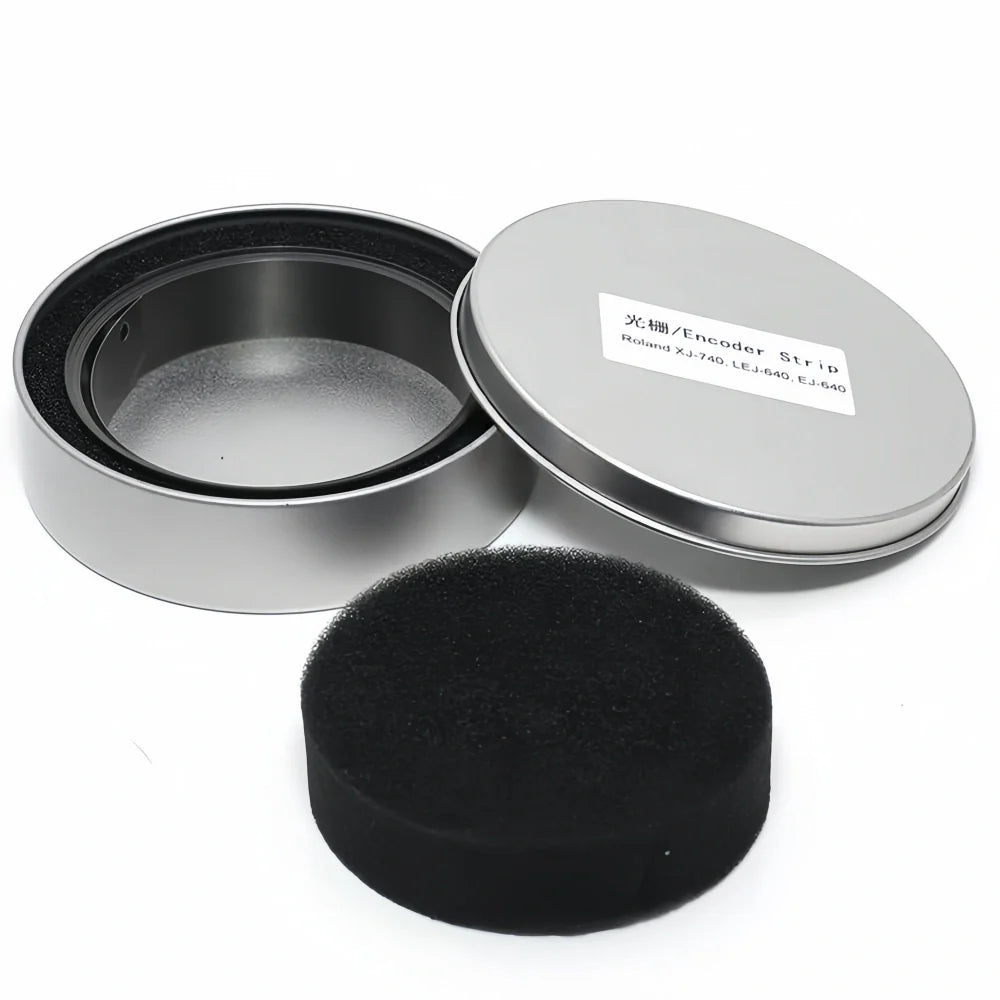
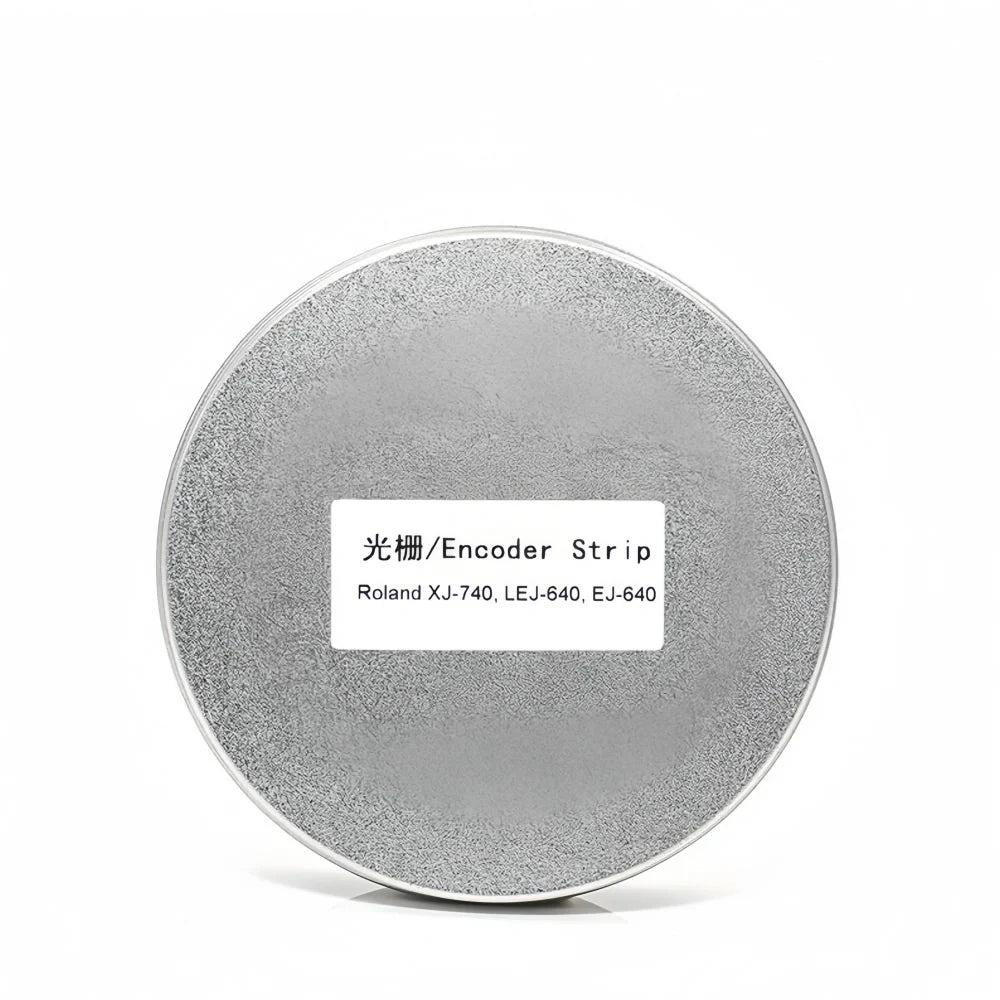
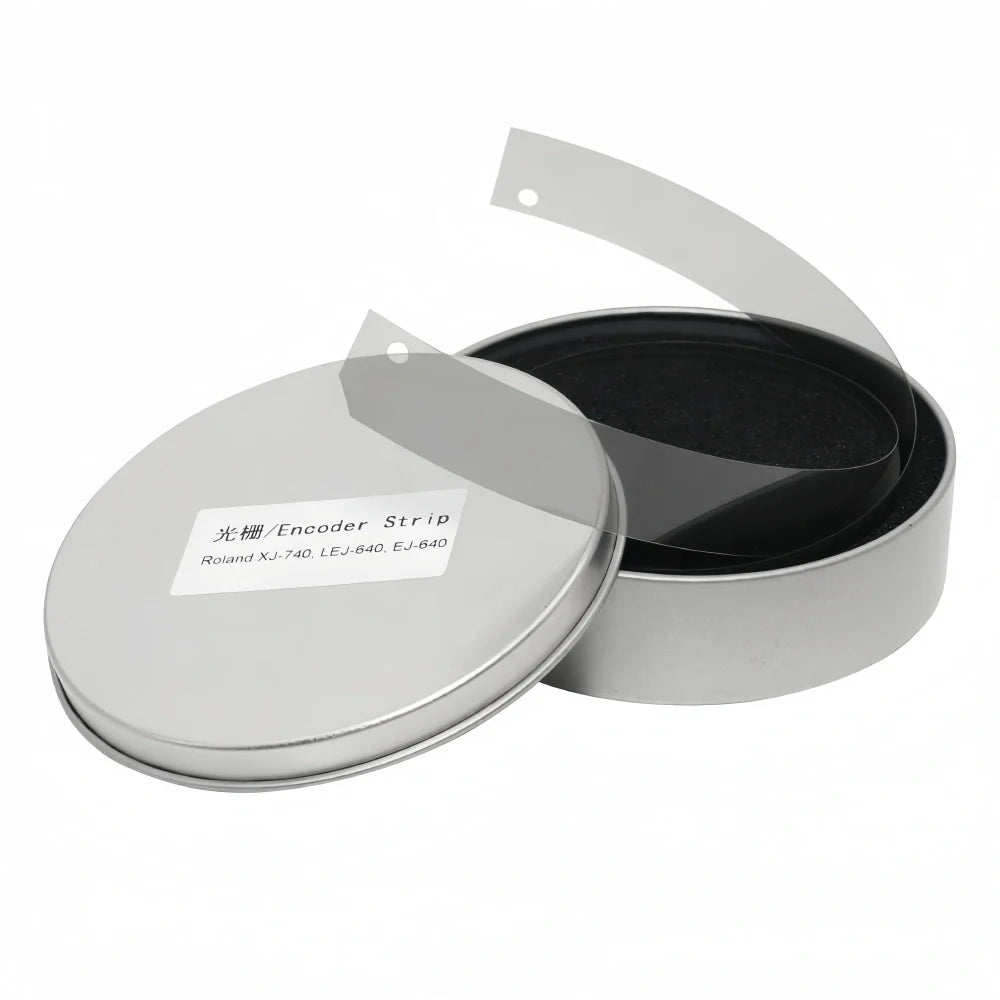
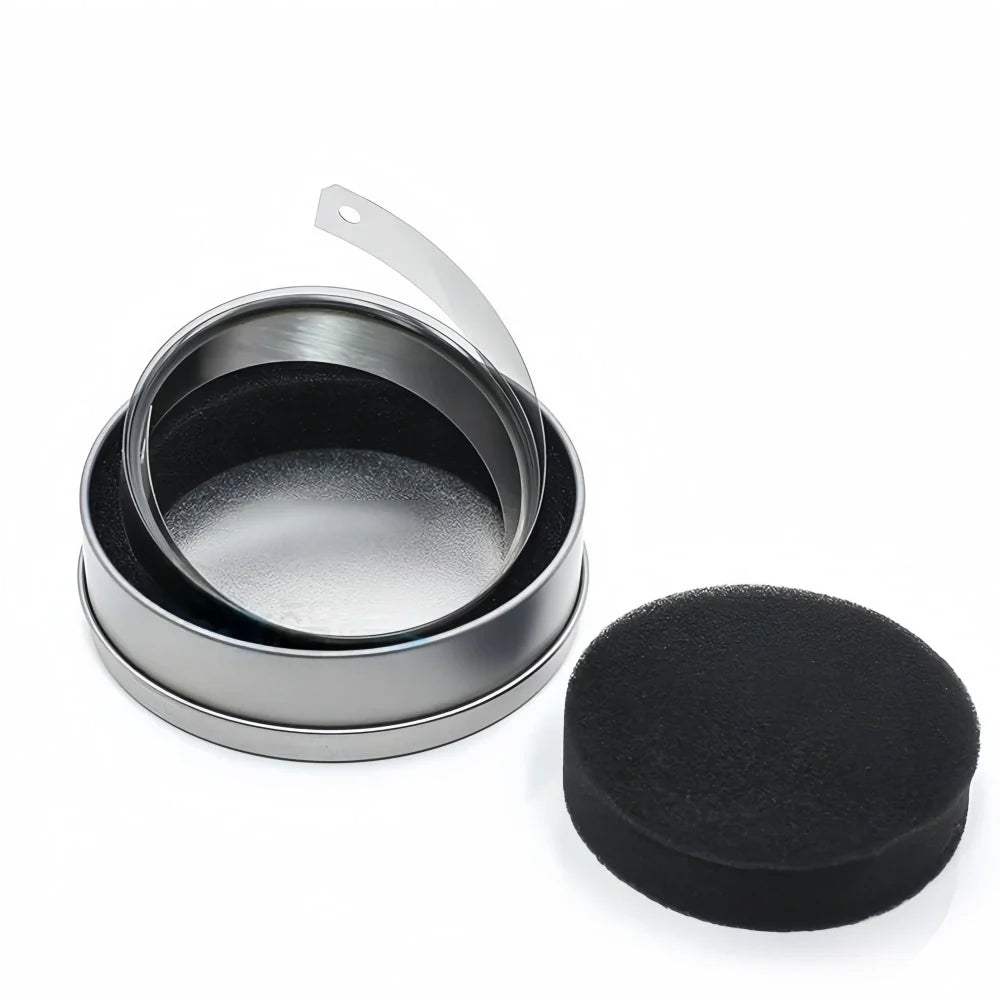
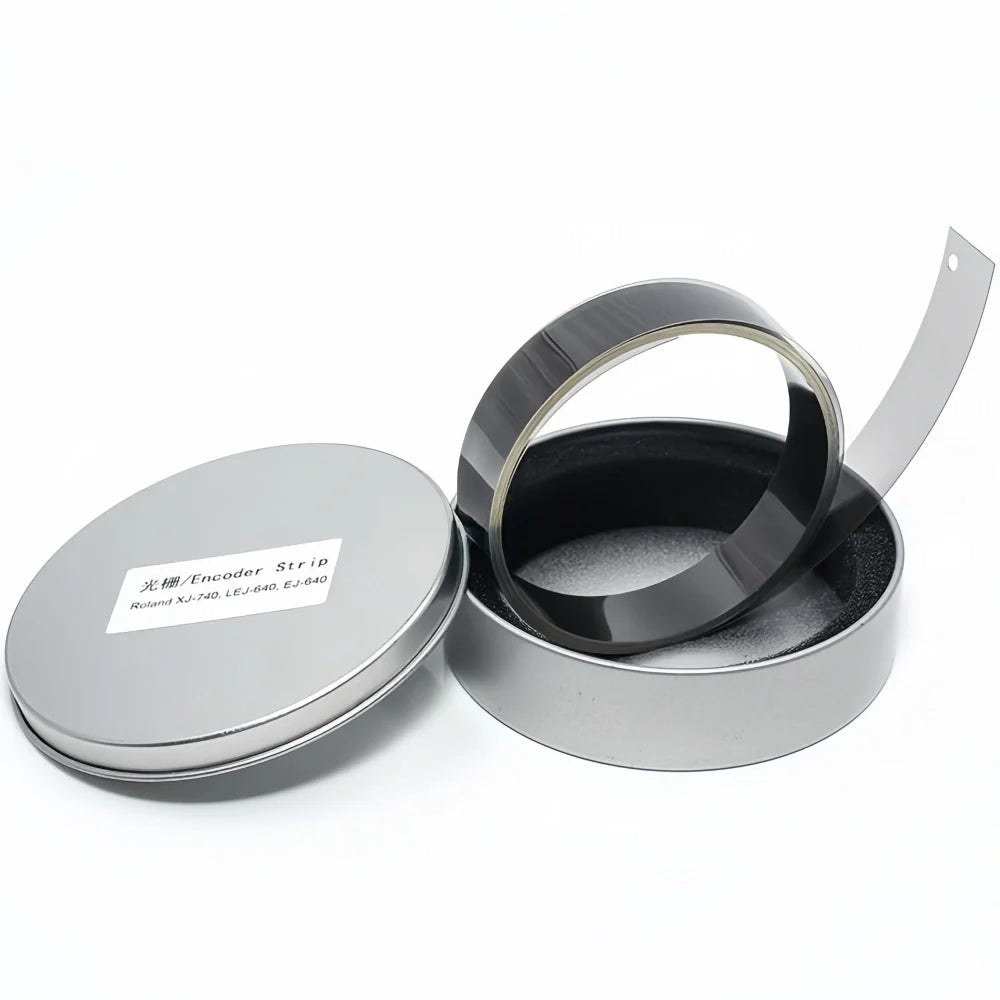


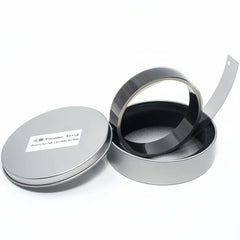
Compatible Replacement Thick Encoder Strip for Roland EJ640 Printers
Encoder / Decoder Compatibility Check
Check printer motion, positioning, and encoder-signal symptoms before selecting a replacement part.
This page helps maintenance buyers confirm whether Compatible Replacement Thick Encoder Strip for Roland EJ640 Printers may be relevant to printer positioning, ghosting, or carriage-motion diagnostics.
- Print shifting or repeated offset during normal printing
- Double image, ghosting, or unstable carriage positioning
- Carriage shaking or irregular motion feedback
- Encoder error, signal instability, or strip-reading failure
Send your printer model or photo before ordering: we can help confirm whether the product matches your machine, control system, and encoder strip setup.
- $14.58
Prices are displayed in USD. Available payment methods and shipping options are shown at checkout based on destination and order details.


Secure payments
Order issue support

Product Details
xOrdering help: For model-specific products, contact us if you need compatibility or fitment help before ordering. Product price and availability are shown on this page, and shipping options and charges available for the entered destination are shown at checkout.
Compatibility and troubleshooting note: This encoder strip is a model-reference replacement part for compatible printer maintenance. It may be relevant when the installed encoder strip is dirty, scratched, worn, or unreadable. Actual troubleshooting results depend on the sensor, carriage system, board, installation, and root cause of the printer issue.
Roland Thick Encoder Strip for EJ640 may be relevant when troubleshooting carriage reading, print shifting, double image, or motion instability if the reference optical encoder strip is dirty, scratched, aged, or unreadable.
This page is designed to help you judge three things quickly: whether this product is relevant to your current fault, which option you should choose, and what technical information should be checked before you place the order.
Fitment and Troubleshooting Notes
- May be relevant when checking positioning, ghosting, or offset symptoms after the full carriage system is inspected
- Signal behavior depends on the encoder sensor, carriage system, board condition, installation, and printer setup
- Confirm model, strip length, sensor type, and installation details before ordering
Need a fast compatibility check before ordering? Send your printer model, mainboard photo, and old part photo. We will help you confirm the right decoder option.
Ask CompatibilityRequest QuoteRequest SampleSend Printer Model
Common Fault Scenarios This Part Helps Address
- Print shifting, double image, or ghosting appears because the carriage can no longer read the strip correctly
- Encoder error or signal instability starts after the reference strip becomes dirty, scratched, stretched, or aged
- Carriage shaking or unstable movement appears even though the motor and belt are still usable
Choose The Right Option Before You Order
Choose the option based on what you actually need to replace, not only by product title. If you are uncertain, send your old part photo and connector view before payment.
| Option | Recommended use |
|---|---|
| Thick | Use this option when you already know the exact machine-side configuration and part match. |
| Thin | Use this option when you already know the exact machine-side configuration and part match. |
Technical Specifications
| Model | EJ640 |
|---|---|
| Product type | Optical encoder strip |
| Referenced models | EJ640 |
| Applicable equipment | Large-format and roll-to-roll printers |
| Part number | EJ640 |
| Matched encoder strip | Model-specific optical encoder strip |
| Signal type | Optical scale reading signal |
| Resolution | Confirm by selected machine |
| Voltage | Confirm by selected machine |
| Interface | Confirm connector style before payment |
| Cable length | Depends on selected option |
| Control system | Confirm by board photo |
Compatibility Checkpoints
- Referenced printer models: EJ640.
- Typical equipment range: Large-format and roll-to-roll printers.
- Mainboard system such as Hoson, BYHX, or similar controller should be confirmed by machine model or board photo before payment.
- If your machine uses a specific encoder-strip resolution, send the reference strip or service note for confirmation.
- Matched encoder strip or reading standard: Model-specific optical encoder strip.
- If you are not sure, send the printer model, the carriage photo, and the old part photo so we can help confirm fit before shipment.
Best practice: send your printer model, mainboard system, connector photo, and old part number. That makes compatibility confirmation much faster and lowers wrong-order risk.
Need a fast compatibility check before ordering? Send your printer model, mainboard photo, and old part photo. We will help you confirm the right decoder option.
Ask CompatibilityRequest QuoteRequest SampleSend Printer Model
Installation And Use Notes
- Turn off the machine before installation and align the decoder with the encoder strip or motion path correctly.
- Keep the sensor window and encoder strip clean, and avoid touching the optical reading area with bare fingers.
- Check cable routing, connector direction, and mounting position before powering the printer back on.
- Before final startup, make sure the line is connected correctly and the strip-to-sensor gap is consistent.
- After replacement, test carriage travel and confirm the machine no longer shows print shifting, double image, carriage shaking, encoder error, or signal instability.
Support And Buying Confidence
- Compatibility confirmation before shipment helps help evaluate wrong-part risk.
- Support is available for model review, connector check, and basic replacement questions.
- Many products support multiple printer models, but industrial printer parts often have multiple revisions, so part-number and photo confirmation is strongly recommended.
- Fast response is available for quotation, sample discussion, and export-order questions.
- If needed, you can send your printer model or machine photo before ordering and we will help review fit first.
Need Help Before Ordering?
Send us your printer model, the old decoder photo, the connector view, and any error description you see on the machine. We will help you confirm whether this is the correct replacement path.
Need a fast compatibility check before ordering? Send your printer model, mainboard photo, and old part photo. We will help you confirm the right decoder option.
Ask CompatibilityRequest QuoteRequest SampleSend Printer Model
Shipping & Return
xReturns Policy
Please confirm product model, specifications, and compatibility before ordering. Except where required by applicable law, buyer-side compatibility mistakes generally require review and may not qualify for return, refund, exchange, or compensation.
Printheads, inks, cleaning liquids, electronic boards, and opened or installed items usually require written review before return unless we shipped the wrong item or the goods arrived damaged.
If your order arrives damaged or incorrect, contact us within 3 calendar days after delivery with photos, package details, and your order number so we can review the case.
Shipping
Shipping time, stock availability, duties, and import charges may vary by product and destination. Available checkout and shipping details are shown before payment when Shopify checkout can calculate them for the destination.
For urgent shipment timing or fitment help, contact us before purchase.